How Enzo Products Work Together
Enzo is a single Figma plugin with five products inside. Each product handles a different part of the design workflow, and they all share the same indexed design system.
Start With Index
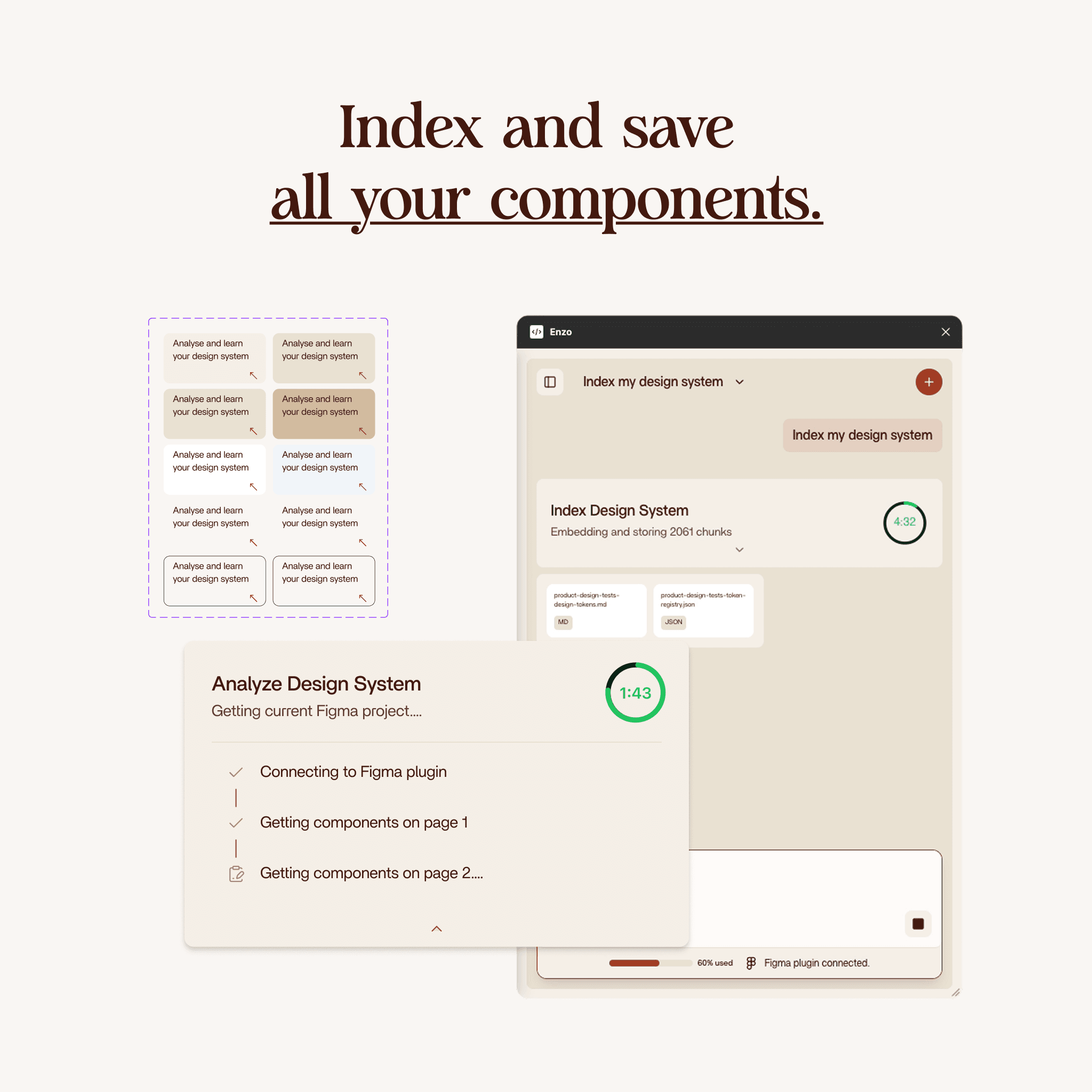
Index Design System scans your Figma file and maps every component, variable, text style, spacing pattern, and effect. This index is what lets the other products generate output that matches your design system instead of producing generic screens.
Indexing takes about 2 minutes and costs 2 credits. You only need to re-index when your design system changes.
Audit Your System
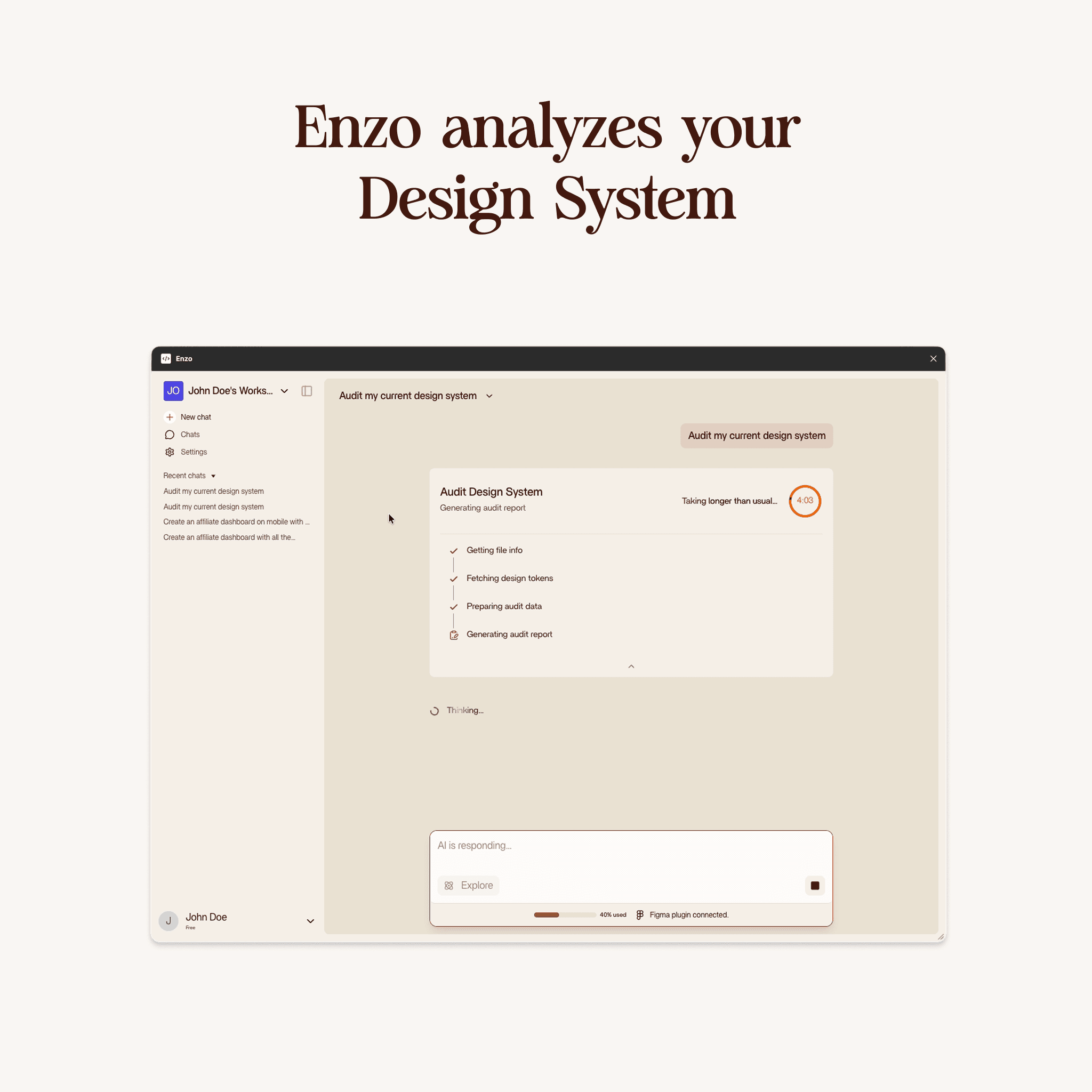
Before you start generating, Audit Design System gives you a health check. It analyzes your file against industry best practices and flags issues: inconsistent naming, unused components, missing state variants, duplicate styles.
The output is a clean markdown report with a priority list and quick wins you can fix right now. Nothing gets saved to Enzo. This is a read-only analysis. Costs 5 credits.
Create New Screens
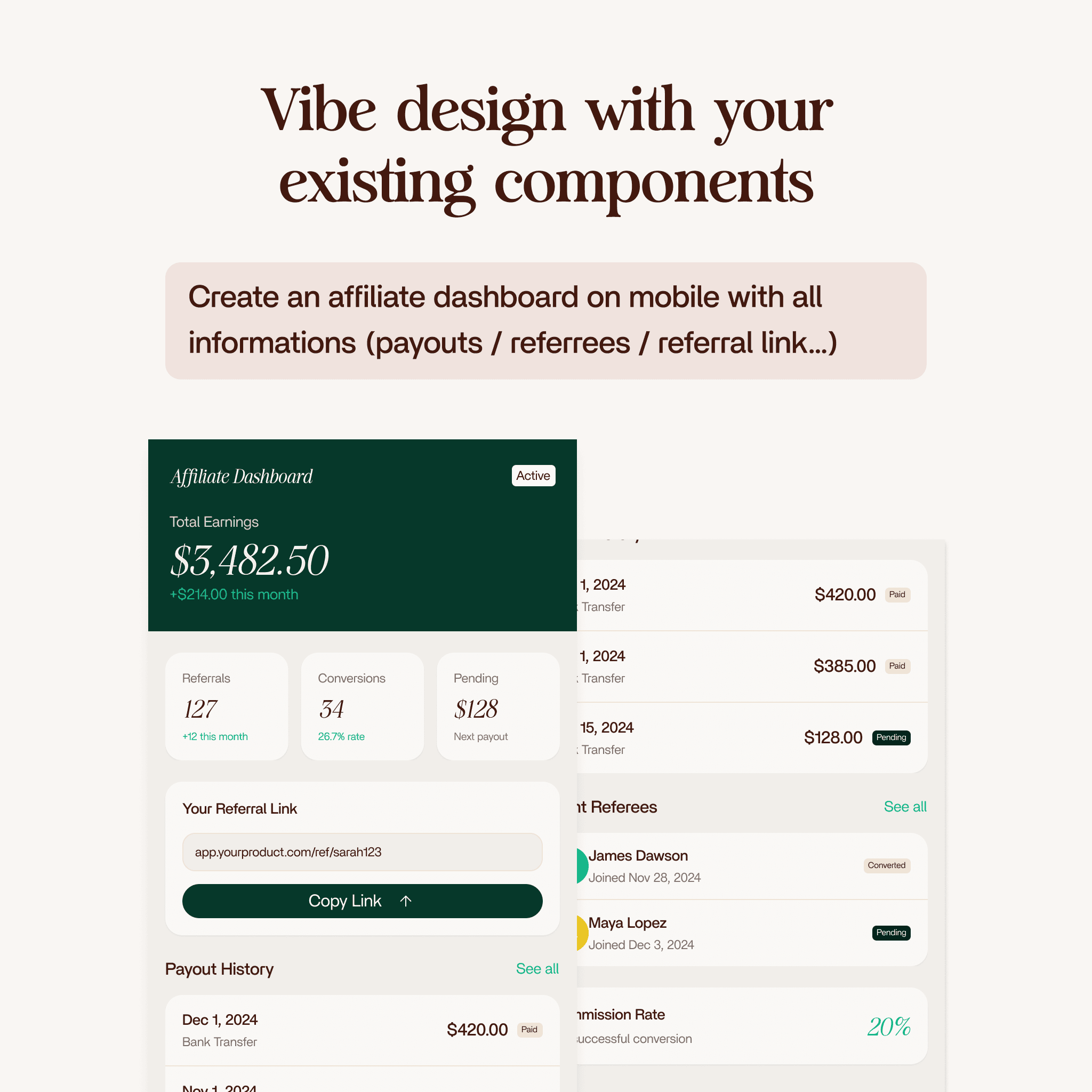
Create Design generates complete screens from a text prompt. Describe what you need (a settings page, a checkout flow, a mobile dashboard) and Enzo assembles it from your indexed components.
Works for both mobile and desktop layouts. With a design system, the output uses your real tokens and components. Without one, Enzo produces a generic layout that works as a starting point. Costs 3 credits.
Edit Existing Designs
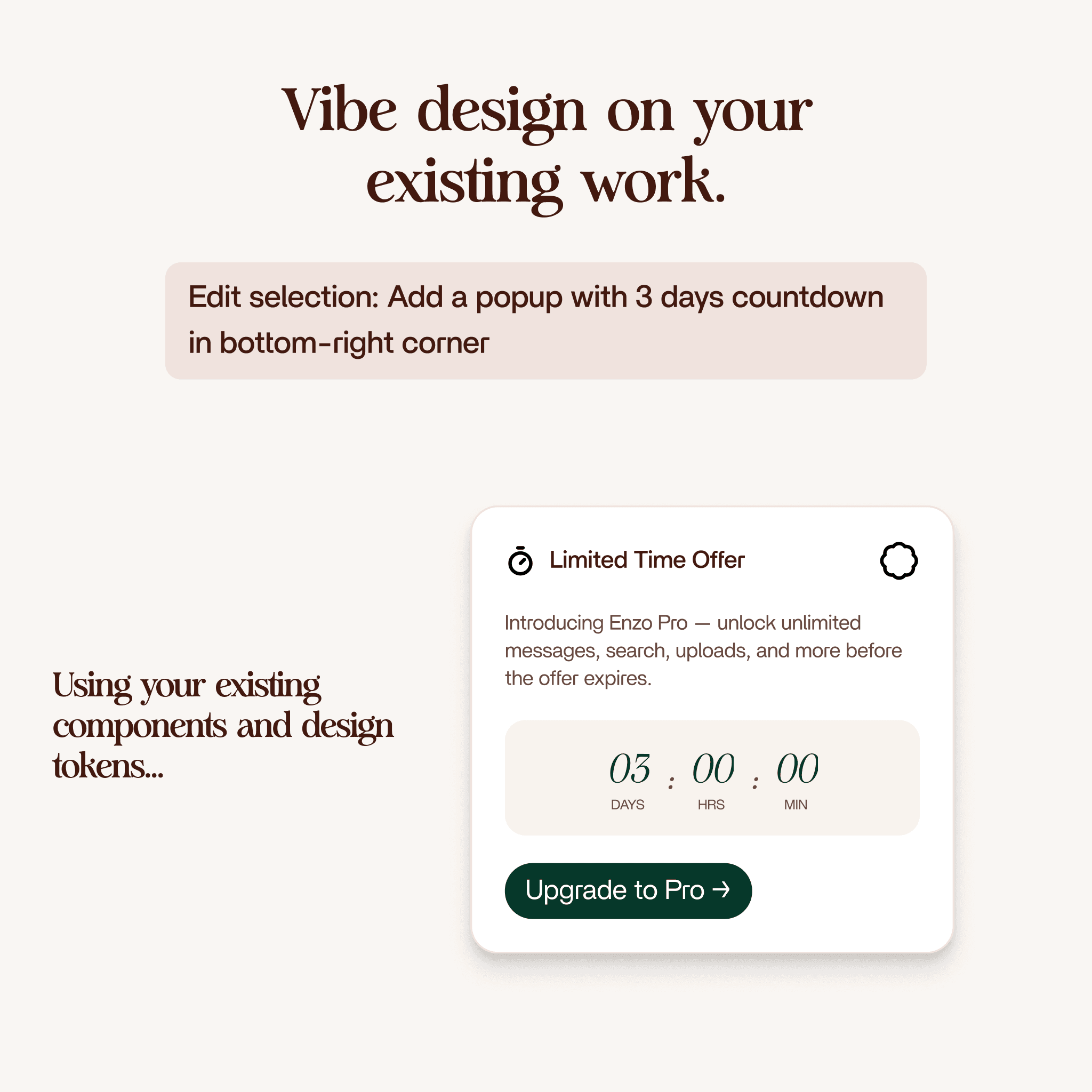
Edit Design modifies frames already on your canvas. Select a frame, describe the change, and Enzo handles it in place. Two modes: component mode keeps instances intact and only changes text and variants. Draft mode can break instances for one-off edits and exploration. Costs 3 credits.
Let the Agent Handle It
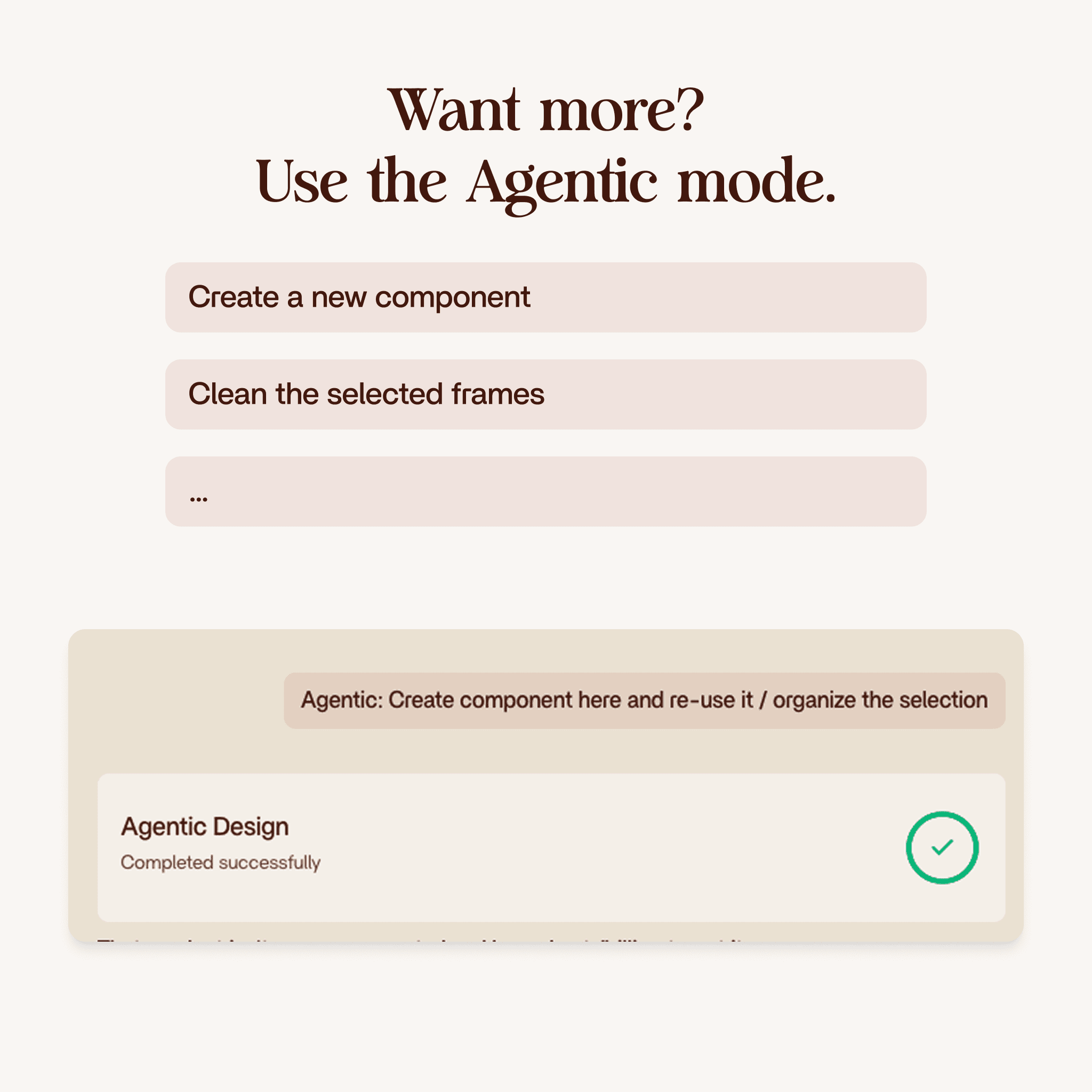
Agent Mode takes a high-level brief and figures out the steps on its own. It can create screens, edit existing ones, and chain multiple actions together in a single run. Best for tasks that would normally require several Create and Edit passes. Costs 10 credits.
Credit Costs at a Glance
- Index Design System - 2 credits per run
- Create Design - 3 credits per run
- Edit Design - 3 credits per run
- Audit Design System - 5 credits per run
- Agent Mode - 10 credits per run
All products are included in every plan. The only difference between Creator ($25/month), Pro ($50/month), and Business ($100/month) is how many credits you get each month: 100, 250, or 500.
Typical Workflow
- Index your design system (once, or after changes)
- Audit to catch gaps before you start
- Create screens from prompts
- Edit to refine details
- Agent for complex multi-step tasks
Each product is useful on its own, but they work best as a sequence. Index gives the AI context. Audit makes sure that context is clean. Create and Edit do the design work. Agent handles the big jobs.