'%3e%3cpath%20d='M291.402%20416.77C291.402%20346.77%20244.735%20285.603%20221.402%20263.77C111.902%20141.27%20448.902%20207.27%20636.402%20359.77C823.902%20512.27%20618.902%20613.27%20448.902%20740.27C278.902%20867.27%20291.402%20504.27%20291.402%20416.77Z'%20fill='url(%23paint0_linear_7133_54115)'/%3e%3c/g%3e%3cg%20id='Vector%209'%20filter='url(%23filter1_f_7133_54115)'%3e%3cpath%20d='M1457.57%20671.77C1457.57%20601.77%201504.24%20540.603%201527.57%20518.77C1637.07%20396.27%201300.07%20462.27%201112.57%20614.77C925.071%20767.27%201130.07%20868.27%201300.07%20995.27C1470.07%201122.27%201457.57%20759.27%201457.57%20671.77Z'%20fill='url(%23paint1_linear_7133_54115)'/%3e%3c/g%3e%3c/g%3e%3cdefs%3e%3cfilter%20id='filter0_f_7133_54115'%20x='1.32773e-06'%20y='-9.19178e-07'%20width='910.974'%20height='966.944'%20filterUnits='userSpaceOnUse'%20color-interpolation-filters='sRGB'%3e%3cfeFlood%20flood-opacity='0'%20result='BackgroundImageFix'/%3e%3cfeBlend%20mode='normal'%20in='SourceGraphic'%20in2='BackgroundImageFix'%20result='shape'/%3e%3cfeGaussianBlur%20stdDeviation='100'%20result='effect1_foregroundBlur_7133_54115'/%3e%3c/filter%3e%3cfilter%20id='filter1_f_7133_54115'%20x='837.999'%20y='255'%20width='910.974'%20height='966.944'%20filterUnits='userSpaceOnUse'%20color-interpolation-filters='sRGB'%3e%3cfeFlood%20flood-opacity='0'%20result='BackgroundImageFix'/%3e%3cfeBlend%20mode='normal'%20in='SourceGraphic'%20in2='BackgroundImageFix'%20result='shape'/%3e%3cfeGaussianBlur%20stdDeviation='100'%20result='effect1_foregroundBlur_7133_54115'/%3e%3c/filter%3e%3clinearGradient%20id='paint0_linear_7133_54115'%20x1='155.902'%20y1='200.271'%20x2='592.902'%20y2='696.271'%20gradientUnits='userSpaceOnUse'%3e%3cstop%20stop-color='%230D3126'/%3e%3cstop%20offset='1'%20stop-color='%2393F0D3'/%3e%3c/linearGradient%3e%3clinearGradient%20id='paint1_linear_7133_54115'%20x1='1001'%20y1='1139.5'%20x2='1593.07'%20y2='455.27'%20gradientUnits='userSpaceOnUse'%3e%3cstop%20stop-color='%230D3126'/%3e%3cstop%20offset='0.622615'%20stop-color='%2393F0D3'/%3e%3c/linearGradient%3e%3c/defs%3e%3c/svg%3e)
Edit existing designs without starting over
You have a screen in Figma. Maybe it is a dashboard, a settings page, a product detail view. You need to add something or change part of it. A popup, a new section, a different layout for one area.
You could do it manually. Or you could select the frame, tell Enzo what you want, and watch it apply the changes using your actual design system. That is what Edit Design does.
How Edit Design works
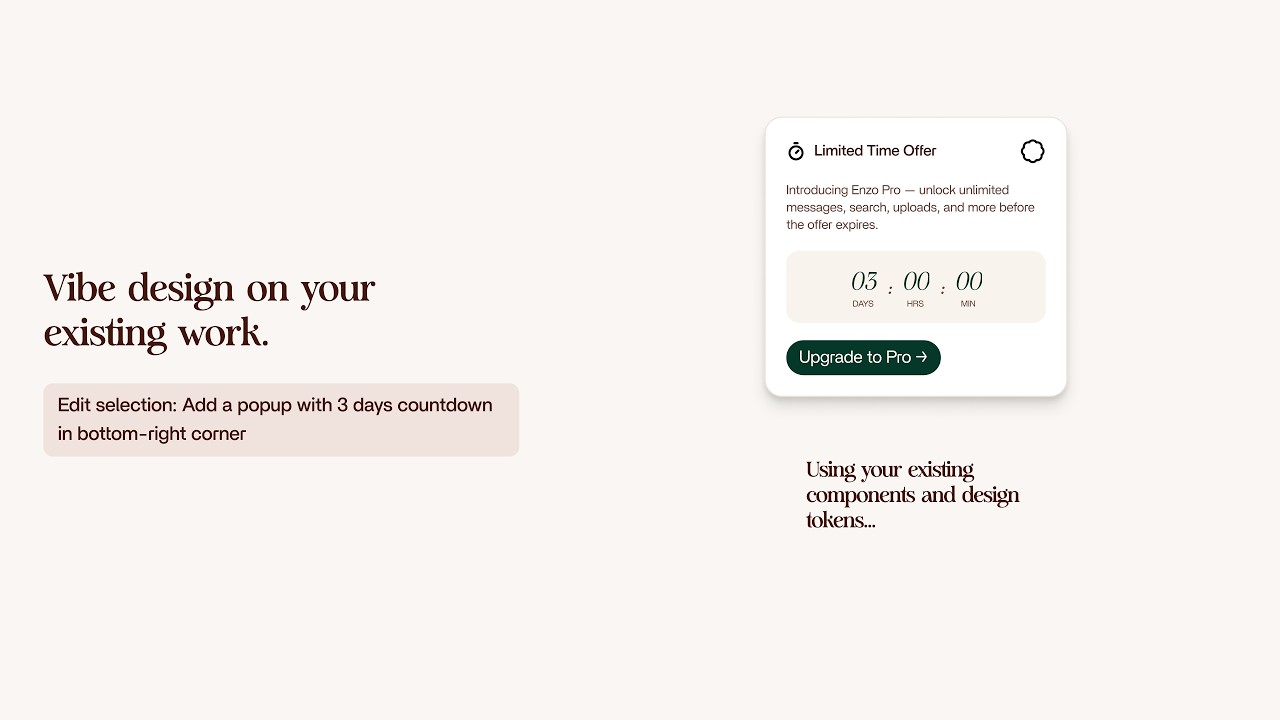
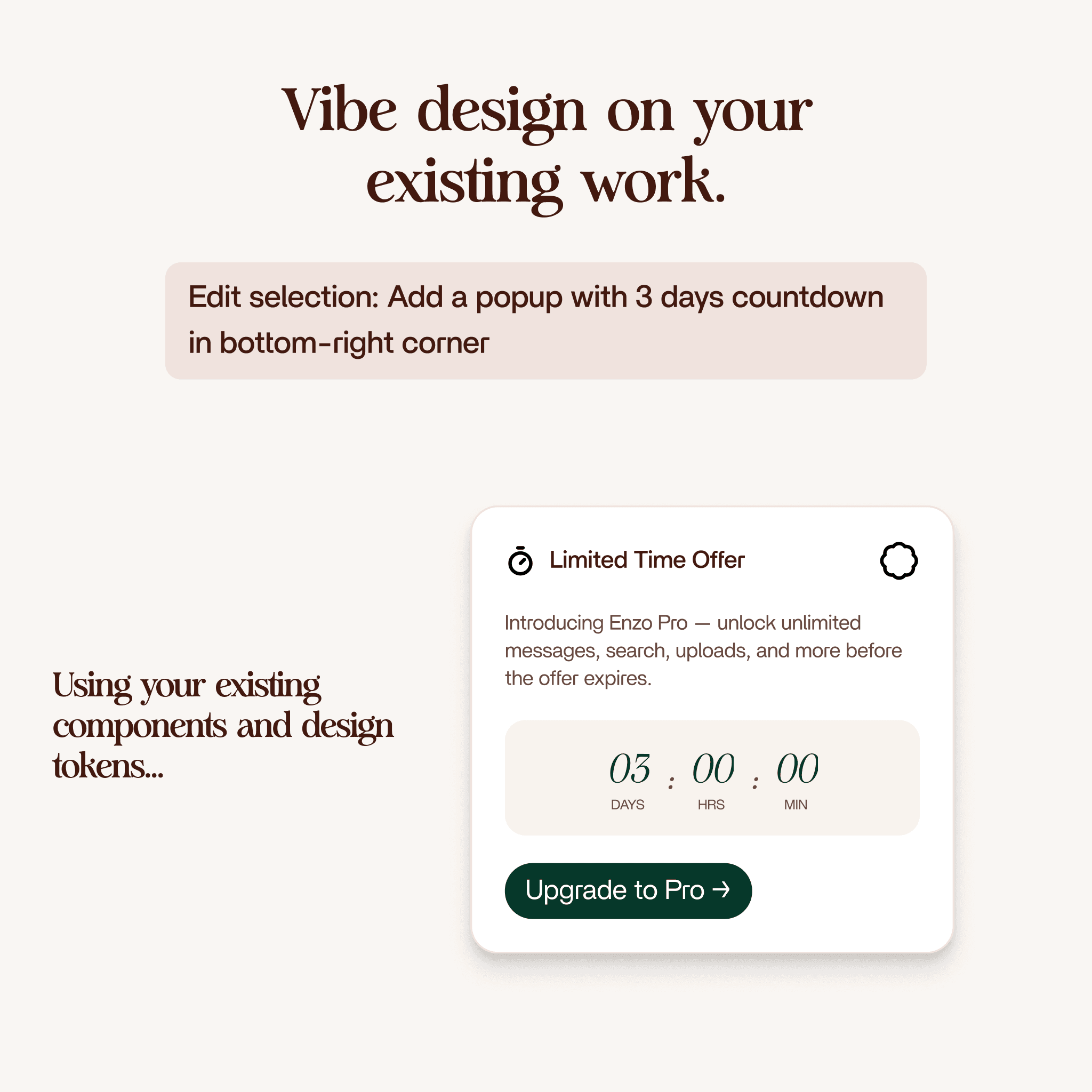
Select a frame in Figma. Write a prompt describing what you want. "Add a popup with a three day countdown in the bottom right corner." "Replace the sidebar with a collapsible menu." "Add a notification banner at the top."
Enzo takes your prompt, searches your indexed design system for components that fit, plans the changes, and applies them directly to your frame. The result uses your real buttons, your real color tokens, your real text styles. Not generic placeholders.
The whole process takes about two minutes.
Two editing modes
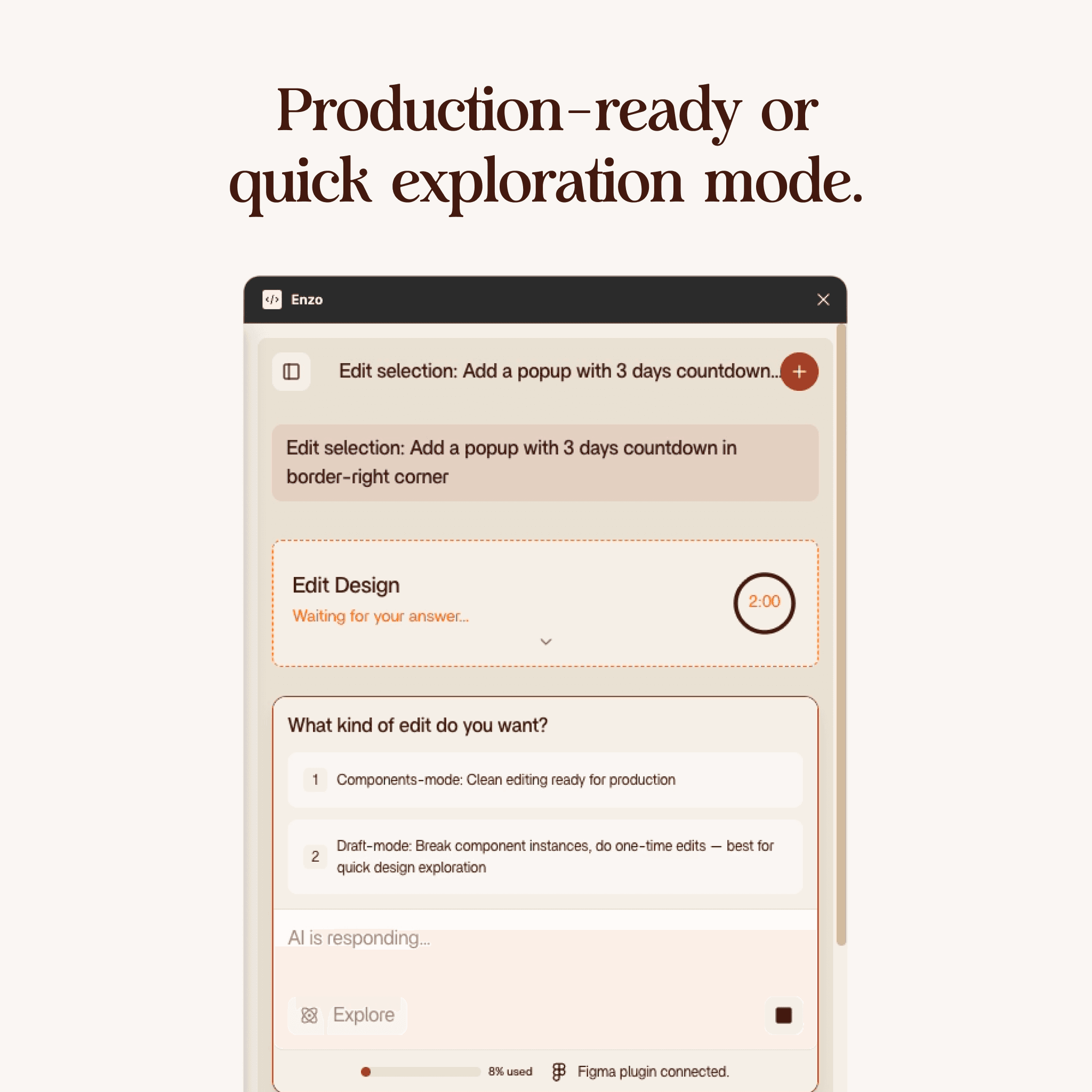
When you start an edit, Enzo asks which mode you want. This matters.
Component mode
Component mode produces clean, production-ready edits. When Enzo uses one of your existing components, it keeps the instance intact. It only changes the text, the variants, and the props. The component link stays unbroken.
Use component mode when you are working on something that will ship. The output is structured, clean, and ready to hand off to development.
Draft mode
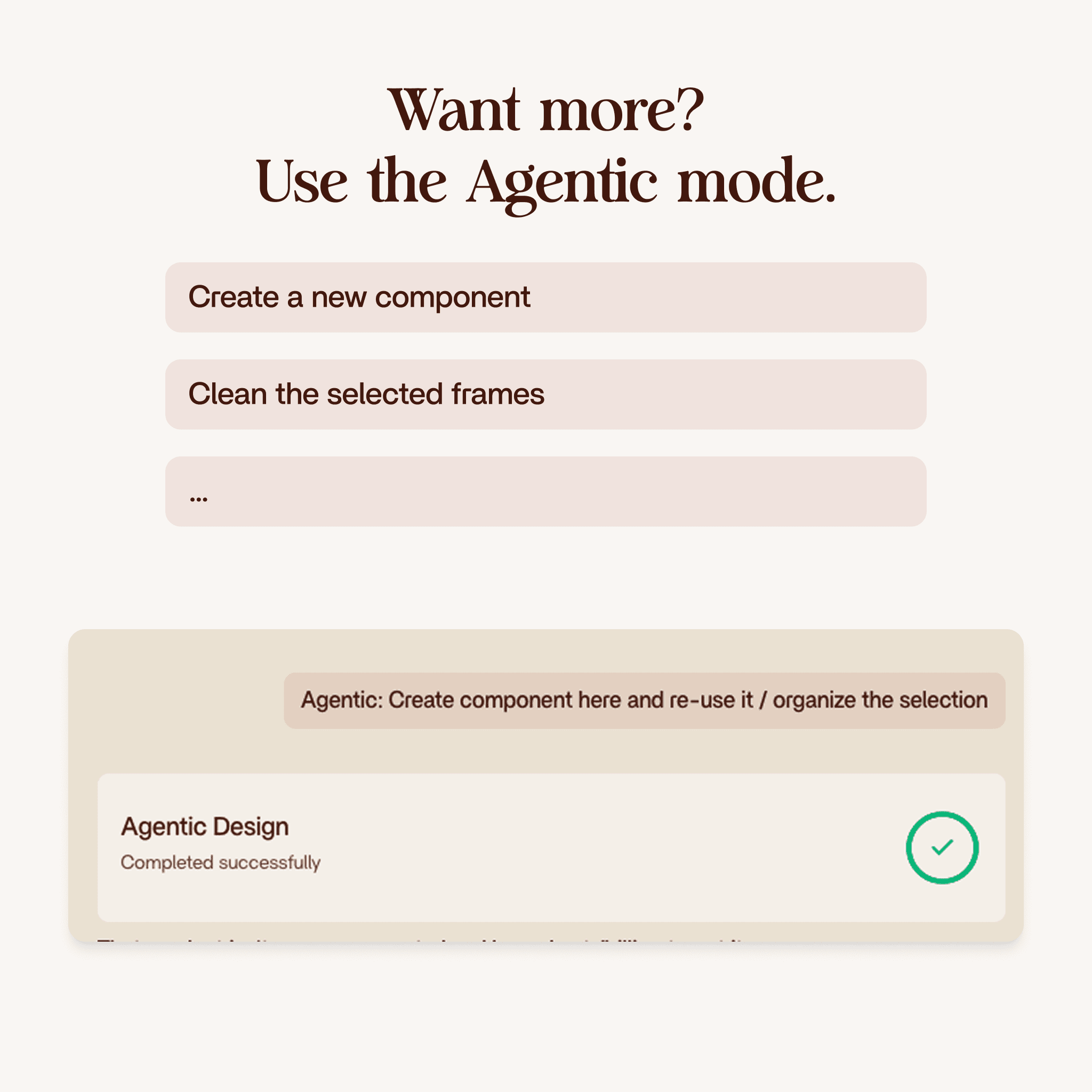
Draft mode is for exploration. Enzo can break component instances and make one-off edits that would not be possible in component mode. Need to test a layout idea that does not fit your current component library? Draft mode lets you do that.
Use draft mode for A/B testing ideas, trying new layouts, or exploring directions before committing to a component structure.
What happens under the hood
After you submit your prompt and pick a mode, Enzo does four things:
- Creates a backup of your current frame. Your original is safe.
- Searches your design system for existing components that match what you asked for. Buttons, cards, inputs, whatever fits the prompt.
- Plans the changes before touching anything. It figures out where new elements go, what gets moved, and how to maintain the existing layout.
- Applies the edits directly to your frame in Figma. Real layers, real components, real Auto Layout.
Everything Enzo creates is native Figma. Named layers, Auto Layout frames, proper component instances (in component mode). You can edit anything it produces exactly like you built it yourself.
It uses your design system
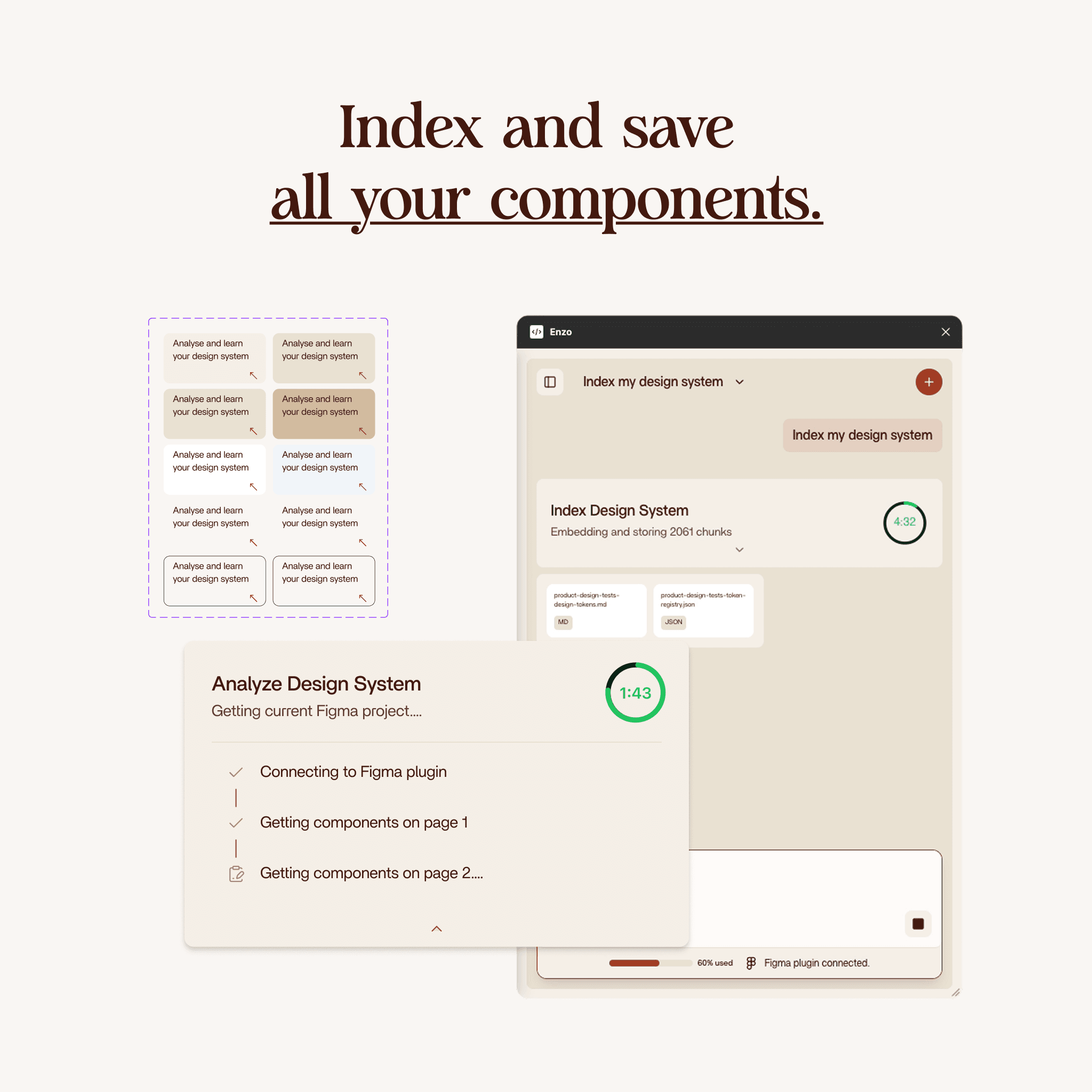
This only works well if you have run Index Design System first. That step saves your components, tokens, and styles to Enzo's database. Without it, Enzo has no context and would generate generic output.
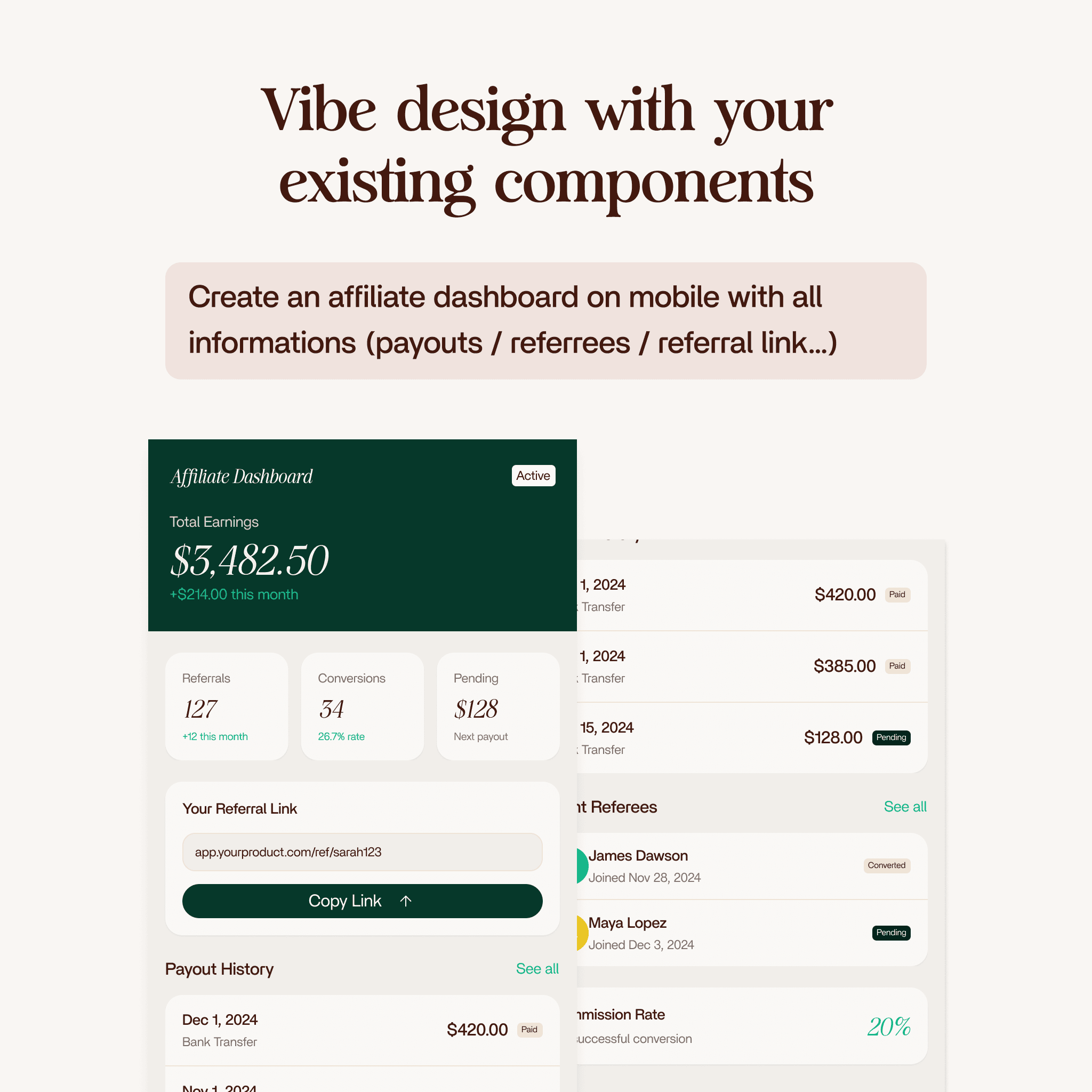
With the index in place, Edit Design pulls from your actual component library. In the demo, Enzo created a countdown popup using the correct button component, the right color styles, and the right text styles from the project. Not a random button with a random color. The real one.
You are still the designer
Enzo gets you 80-90% of the way there. The structure, the component choices, the layout. But there are always details you will want to adjust. An icon that does not feel right. Spacing that needs a tweak. A color variant that should be different.
That is by design. Enzo handles the structural work so you can focus on the details that matter. You can keep editing manually, or run another Edit Design prompt to refine further.
When to use Edit Design vs Create Design
Create Design generates a new layout from scratch. Edit Design modifies an existing frame.
Use Create Design when you are starting with a blank canvas. Use Edit Design when you already have something and want to add to it, change part of it, or try a variation.
They work together. Create a layout with Create Design, then iterate on specific sections with Edit Design.
Who should use this
Anyone with an existing Figma project and an indexed design system who wants to make changes faster. Product designers iterating on screens. Design leads testing layout variations. Anyone who spends time on repetitive structural edits that do not require creative judgment.
Getting started
Run Index Design System first (if you have not already). Select a frame in your Figma project. Open Enzo and describe the edit you want. Pick component mode or draft mode. Wait about two minutes. Review the result and tweak the details.