'%3e%3cpath%20d='M291.402%20416.77C291.402%20346.77%20244.735%20285.603%20221.402%20263.77C111.902%20141.27%20448.902%20207.27%20636.402%20359.77C823.902%20512.27%20618.902%20613.27%20448.902%20740.27C278.902%20867.27%20291.402%20504.27%20291.402%20416.77Z'%20fill='url(%23paint0_linear_7133_54115)'/%3e%3c/g%3e%3cg%20id='Vector%209'%20filter='url(%23filter1_f_7133_54115)'%3e%3cpath%20d='M1457.57%20671.77C1457.57%20601.77%201504.24%20540.603%201527.57%20518.77C1637.07%20396.27%201300.07%20462.27%201112.57%20614.77C925.071%20767.27%201130.07%20868.27%201300.07%20995.27C1470.07%201122.27%201457.57%20759.27%201457.57%20671.77Z'%20fill='url(%23paint1_linear_7133_54115)'/%3e%3c/g%3e%3c/g%3e%3cdefs%3e%3cfilter%20id='filter0_f_7133_54115'%20x='1.32773e-06'%20y='-9.19178e-07'%20width='910.974'%20height='966.944'%20filterUnits='userSpaceOnUse'%20color-interpolation-filters='sRGB'%3e%3cfeFlood%20flood-opacity='0'%20result='BackgroundImageFix'/%3e%3cfeBlend%20mode='normal'%20in='SourceGraphic'%20in2='BackgroundImageFix'%20result='shape'/%3e%3cfeGaussianBlur%20stdDeviation='100'%20result='effect1_foregroundBlur_7133_54115'/%3e%3c/filter%3e%3cfilter%20id='filter1_f_7133_54115'%20x='837.999'%20y='255'%20width='910.974'%20height='966.944'%20filterUnits='userSpaceOnUse'%20color-interpolation-filters='sRGB'%3e%3cfeFlood%20flood-opacity='0'%20result='BackgroundImageFix'/%3e%3cfeBlend%20mode='normal'%20in='SourceGraphic'%20in2='BackgroundImageFix'%20result='shape'/%3e%3cfeGaussianBlur%20stdDeviation='100'%20result='effect1_foregroundBlur_7133_54115'/%3e%3c/filter%3e%3clinearGradient%20id='paint0_linear_7133_54115'%20x1='155.902'%20y1='200.271'%20x2='592.902'%20y2='696.271'%20gradientUnits='userSpaceOnUse'%3e%3cstop%20stop-color='%230D3126'/%3e%3cstop%20offset='1'%20stop-color='%2393F0D3'/%3e%3c/linearGradient%3e%3clinearGradient%20id='paint1_linear_7133_54115'%20x1='1001'%20y1='1139.5'%20x2='1593.07'%20y2='455.27'%20gradientUnits='userSpaceOnUse'%3e%3cstop%20stop-color='%230D3126'/%3e%3cstop%20offset='0.622615'%20stop-color='%2393F0D3'/%3e%3c/linearGradient%3e%3c/defs%3e%3c/svg%3e)
When a single prompt is not enough
Create Design generates one screen from a prompt. Edit Design modifies one frame from a prompt. Both are fast and focused on a single action.
But some tasks need more than one step. You want to design a full onboarding flow with three screens. You want to redesign a settings page and update the navigation to match. You want to create a landing page with a hero, features section, pricing table, and footer, all using your design system.
These tasks require planning, sequencing, and multiple design actions chained together. That is what Agent Mode does.
What Agent Mode does
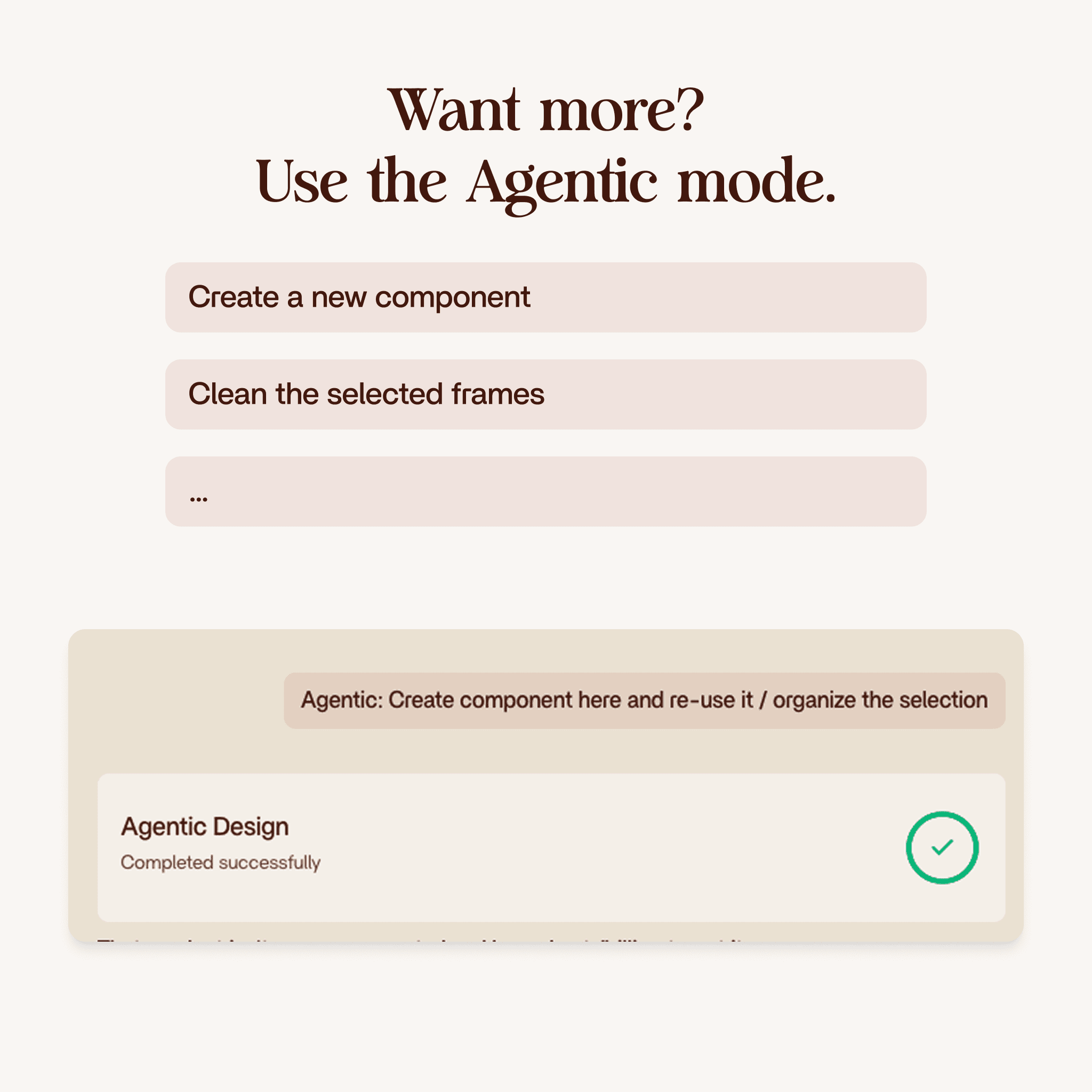
Agent Mode gives Enzo autonomy. Instead of executing a single prompt, Enzo plans the full task, breaks it into steps, and executes each step on its own. It uses the same tools available in Create Design and Edit Design, but it decides when and how to use them.
You describe the end goal. Enzo figures out the sequence.
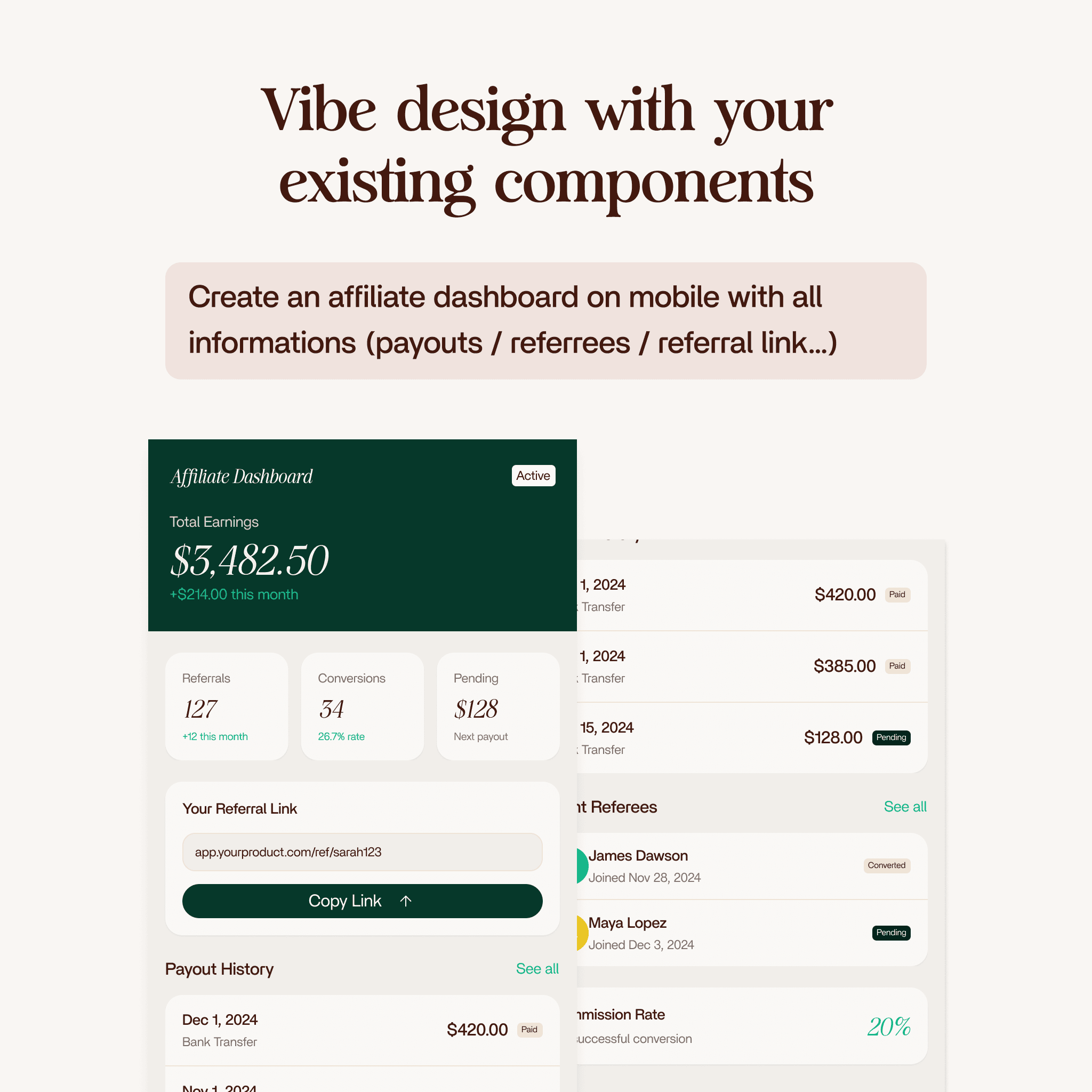
For example: "Design a complete onboarding flow for mobile with a welcome screen, a feature tour (3 slides), and a final screen with a sign-up form."
Enzo would break this into:
- Create the welcome screen with headline and CTA
- Create three feature tour slides with illustrations and descriptions
- Create the sign-up screen with form fields and submit button
- Apply consistent spacing, typography, and components across all screens
Each step uses your indexed design system. Components, tokens, styles, all of it.
How it differs from Create Design and Edit Design
The tools are the same. The difference is autonomy and scope.
| Create Design | Edit Design | Agent Mode | |
|---|---|---|---|
| Scope | One new screen | One existing frame | Multiple screens or complex changes |
| Steps | Single action | Single action | Multiple chained actions |
| Planning | You describe exactly what | You describe the edit | You describe the goal, Enzo plans the steps |
| Best for | Quick single-screen generation | Targeted modifications | Multi-step workflows |
| Credits | 3 | 3 | 10 |
Think of it this way: Create Design and Edit Design are individual tools. Agent Mode is the designer who picks up those tools and uses them in sequence to complete a bigger job.
What Agent Mode can do
Anything that combines creating and editing across multiple frames or screens:
- Multi-screen flows: Onboarding, checkout, sign-up sequences
- Full page designs: Landing pages with multiple sections (hero, features, pricing, testimonials, footer)
- Redesign tasks: Update a screen and propagate changes to related screens
- Component exploration: Generate multiple variations of the same section to compare
- Layout restructuring: Reorganize a dashboard, move sections around, add new panels
The agent picks the right approach for each step. Sometimes it creates from scratch. Sometimes it edits an existing frame. It decides based on what you asked for.
It still uses your design system
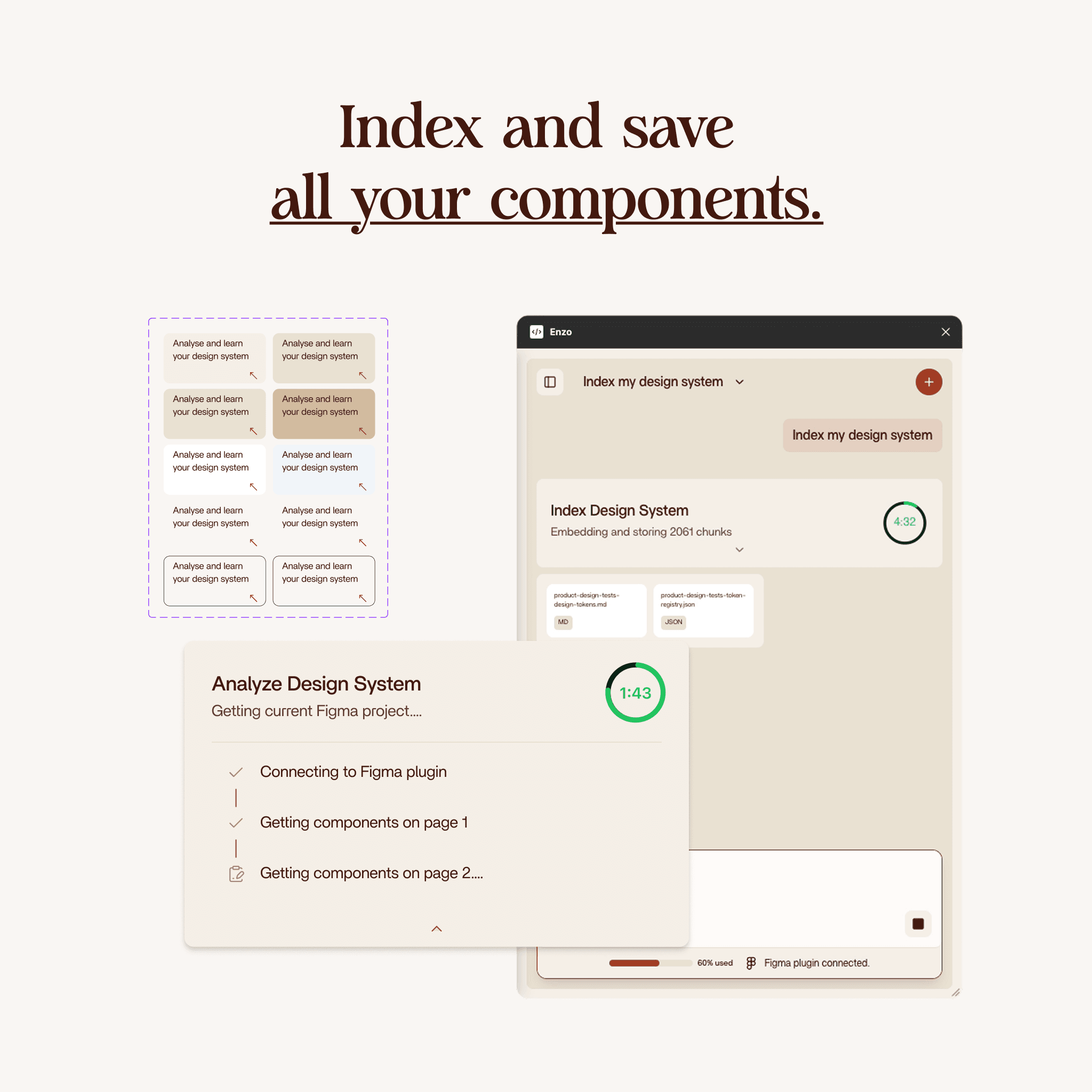
Just like Create Design and Edit Design, Agent Mode requires Index Design System to be run first. Every action the agent takes pulls from your indexed components, tokens, and styles.
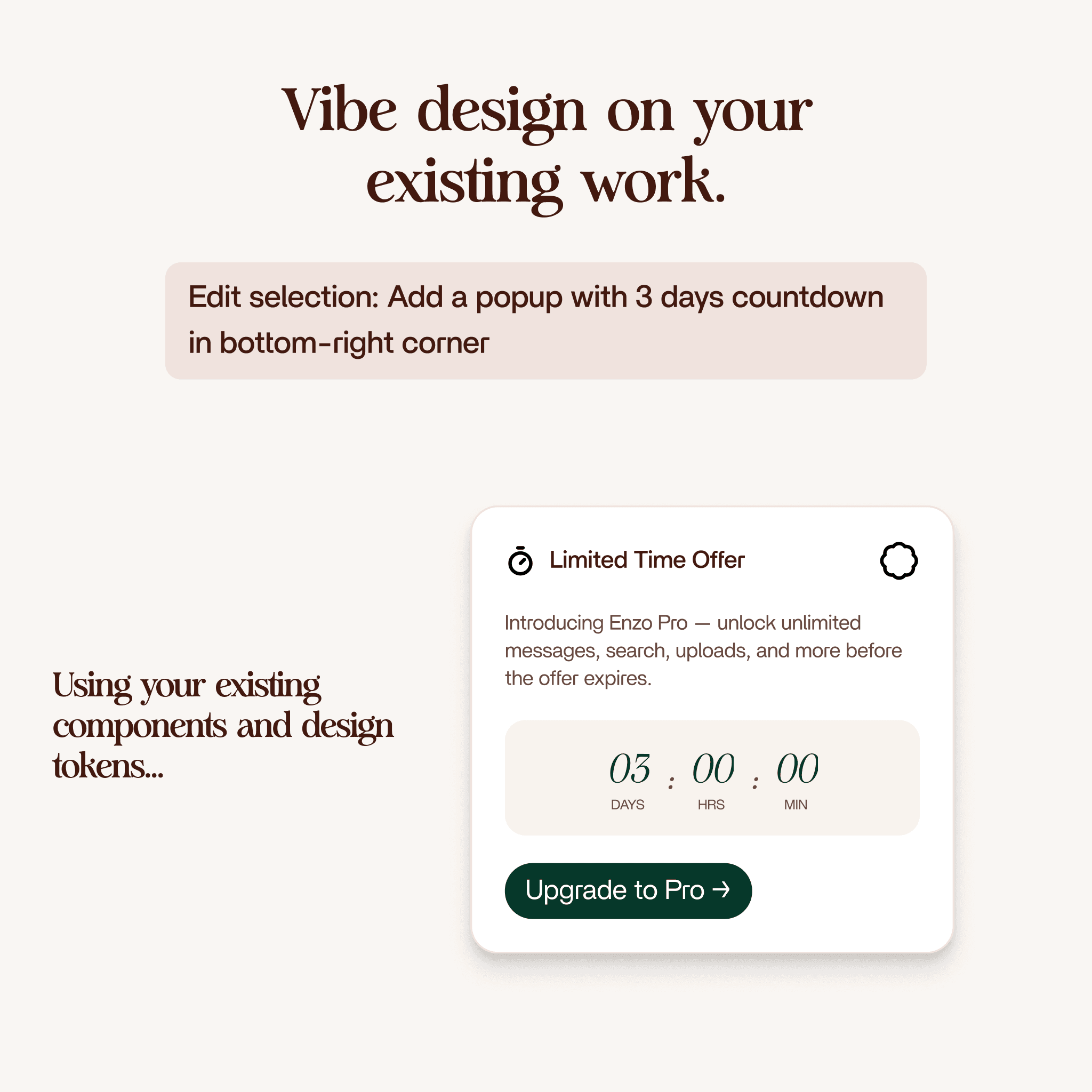
The output is native Figma. Named layers, Auto Layout, real component instances, linked variables. Everything is editable after the agent finishes.
How long it takes
Agent Mode tasks take longer because they involve multiple steps. Simple multi-screen tasks might take three to five minutes. Complex flows with many screens and detailed prompts can take up to ten minutes.
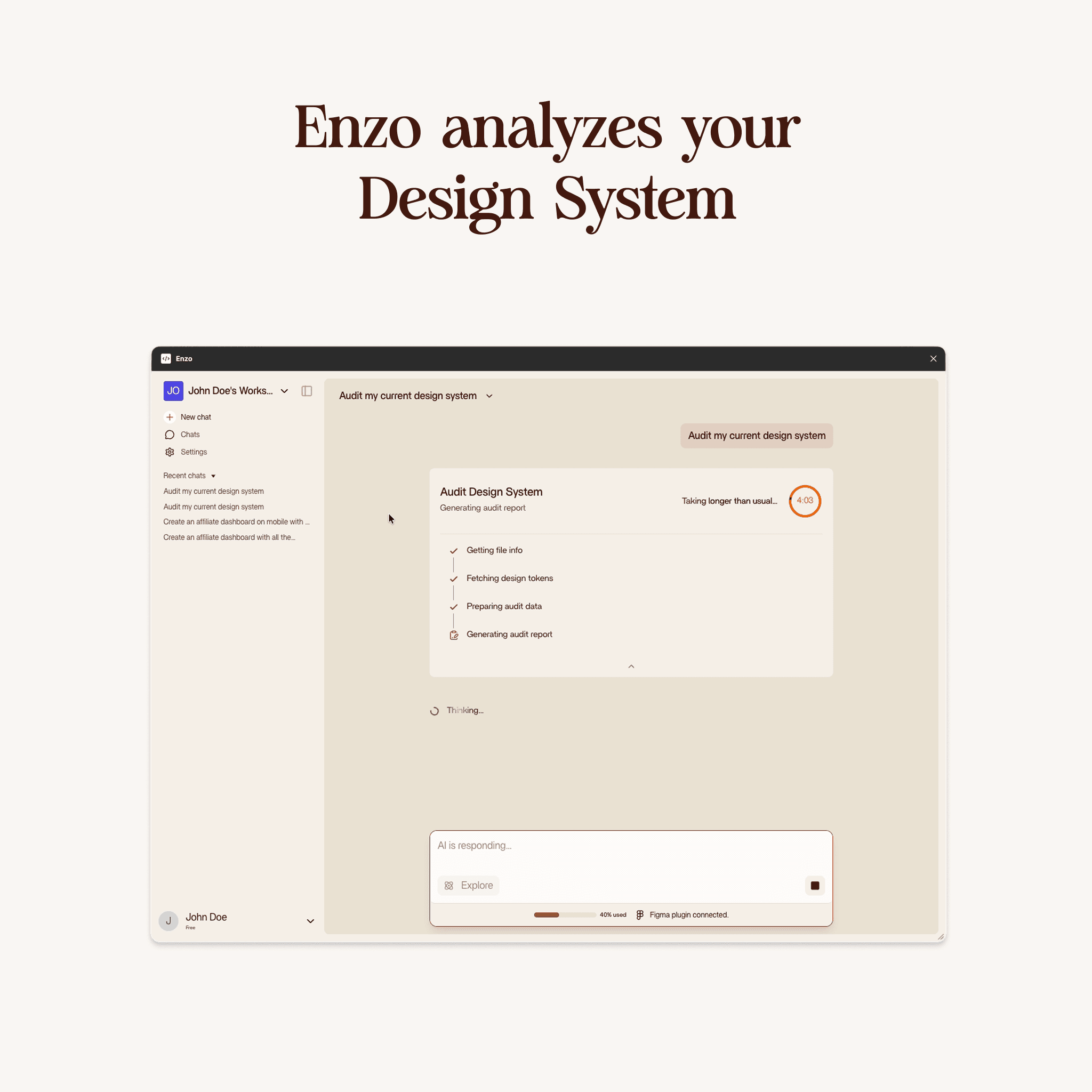
The agent shows its progress as it works. You can watch each step execute in Figma in real time.
Why it costs more credits
Agent Mode uses 10 credits per task (compared to 3 for Create Design or Edit Design). This is because it runs multiple AI planning and generation cycles in sequence. A single Agent Mode task might internally run the equivalent of three to five Create/Edit operations.
Use Agent Mode when the task genuinely needs multiple steps. For simple single-screen work, Create Design or Edit Design is faster and cheaper.
When to use Agent Mode vs the other products
Use Create Design when you need one new screen and know exactly what you want.
Use Edit Design when you have an existing frame and want to modify part of it.
Use Agent Mode when:
- The task involves multiple screens or sections
- You want Enzo to figure out the steps, not just execute one
- The work would take you 30+ minutes to do manually
- You need consistent design across multiple related frames
Getting started
Run Index Design System first (if you have not already). Open Enzo in Figma. Describe the full task you want completed. Be specific about what the end result should look like. Enzo will plan the steps and execute them one by one. Review the result and make final adjustments.
'/%3e%3cg%20transform='translate(64%2056)'%3e%3crect%20width='724'%20height='481'%20rx='12'%20fill='url(%23fp-card)'%20stroke='rgba(17,17,17,0.06)'/%3e%3crect%20x='24'%20y='24'%20width='120'%20height='14'%20rx='4'%20fill='rgba(17,17,17,0.08)'/%3e%3crect%20x='24'%20y='48'%20width='220'%20height='10'%20rx='3'%20fill='rgba(17,17,17,0.06)'/%3e%3crect%20x='24'%20y='88'%20width='676'%20height='120'%20rx='10'%20fill='rgba(17,17,17,0.05)'/%3e%3crect%20x='24'%20y='232'%20width='328'%20height='180'%20rx='10'%20fill='rgba(17,17,17,0.05)'/%3e%3crect%20x='372'%20y='232'%20width='328'%20height='180'%20rx='10'%20fill='rgba(17,17,17,0.05)'/%3e%3ccircle%20cx='60'%20cy='442'%20r='14'%20fill='rgba(17,17,17,0.08)'/%3e%3crect%20x='84'%20y='436'%20width='120'%20height='10'%20rx='3'%20fill='rgba(17,17,17,0.06)'/%3e%3crect%20x='84'%20y='450'%20width='80'%20height='8'%20rx='3'%20fill='rgba(17,17,17,0.04)'/%3e%3c/g%3e%3c/svg%3e)