How Enzo Works Inside Figma
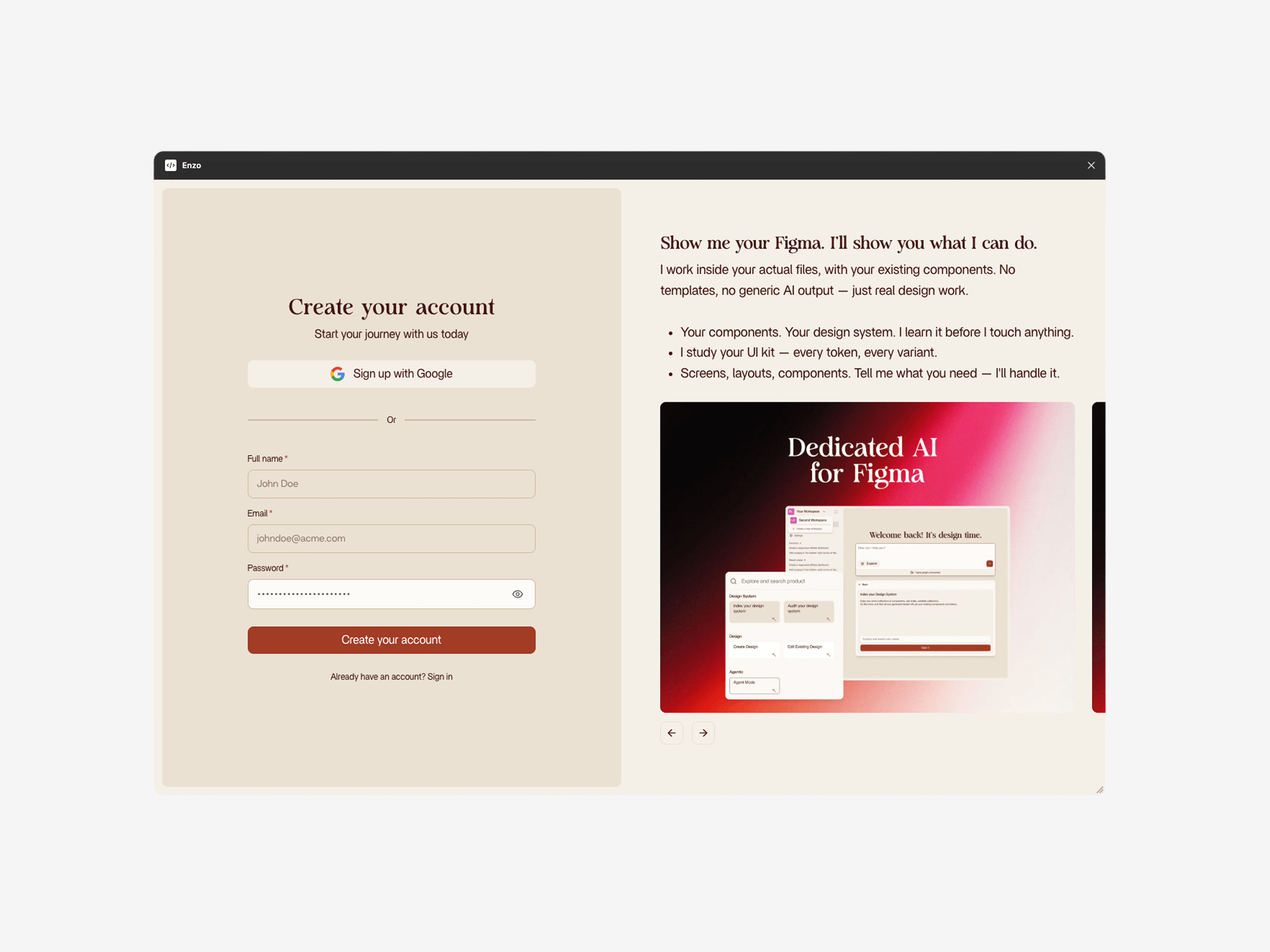
Most AI design tools live outside your design tool. You generate something in a separate app, export it, then manually rebuild it in Figma using your actual components. Enzo removes that entire loop. It runs as a Figma plugin, reads your design system, and builds directly on your canvas.
The output is native Figma. Real components, real variables, real auto-layout. You can select any element and edit it the same way you would if you built it yourself.
The Figma Plugin
Enzo is a Figma plugin you install once and open from the plugin menu. No separate app, no browser tab, no context switching. You stay in Figma the entire time.
When you open Enzo, it scans your current file for components, text styles, color variables, spacing tokens, and effects. That scan is what makes AI-generated output match your design system instead of producing generic screens.
What Enzo Reads From Your File
- Color variables - semantic tokens (primary, secondary, accent, surface) and their values across themes
- Text styles - font families, sizes, weights, line heights
- Components - every published component, including variants and properties
- Spacing - auto-layout padding, gaps, and frame sizing patterns
- Effects - shadows, blurs, and strokes defined as reusable styles
- Layer naming - your conventions for frames, groups, and instances
Chat Interface
You interact with Enzo through a chat prompt. Write what you need the same way you would explain it to a colleague. No special syntax, no parameters, no dropdowns to configure.
Prompt specificity matters. "Create a dashboard" gives you a reasonable generic layout. "Create a dashboard with a revenue chart, active users count, recent signups table, and a sidebar with navigation" gives you something much closer to what you actually need.
Each follow-up message builds on the previous result. You can ask Enzo to add a section, swap a component, change the layout, or try a different approach without starting over.
Workspaces
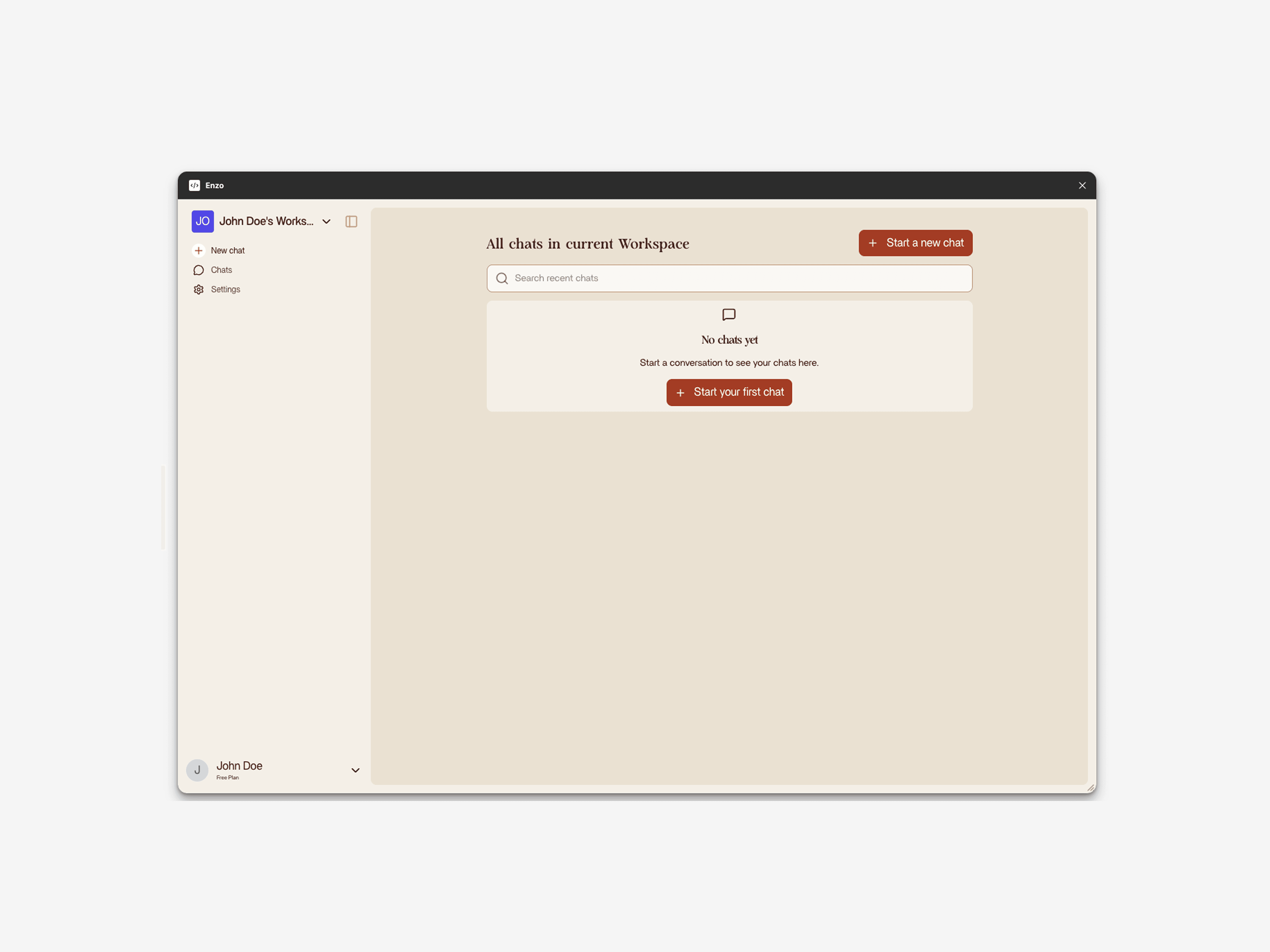
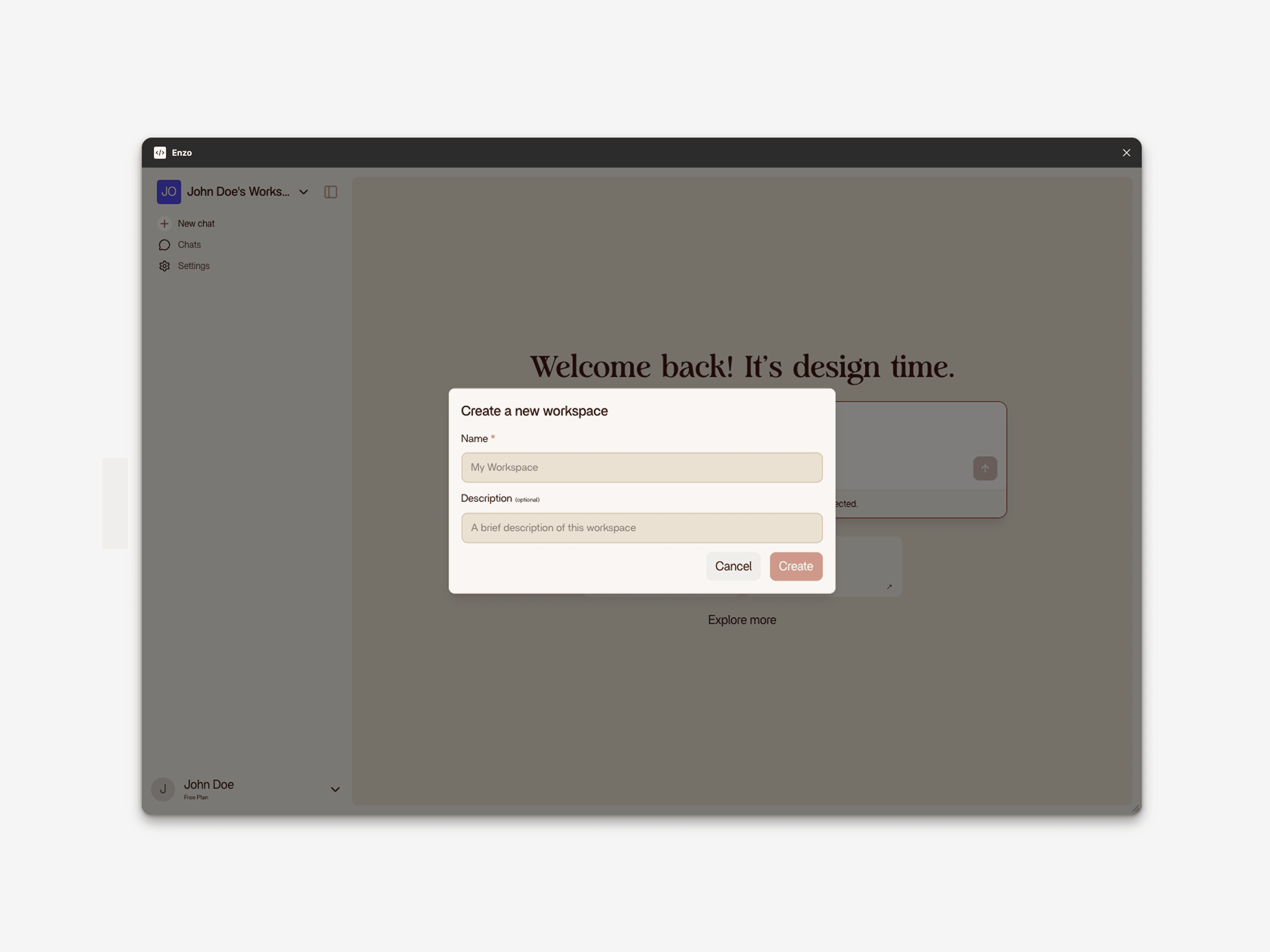
Workspaces are how Enzo keeps projects separate. Each workspace is tied to one Figma file and holds its own indexed design system, chat history, and context.
Create a workspace for your mobile app, another for your marketing site, another for a client project. The components and tokens from one workspace never appear in another. When you switch workspaces, Enzo only knows about the design system you indexed in that space.
You can create unlimited workspaces. Each one holds a list of all your past chats, so you can pick up where you left off or start a new conversation.
Five Products, One Plugin
Enzo includes five products that cover different parts of the design workflow:
Index Design System
Scans your Figma file and maps every component, variable, text style, and effect into a structured index. This is the foundation that makes all other products work with your design system instead of generic components. Takes about 2 minutes and costs 2 credits.
Audit Design System
Analyzes your design system against industry best practices and produces a markdown report. Flags issues like inconsistent naming, unused components, missing state variants, and duplicate styles. Includes quick wins you can fix right away. Costs 5 credits.
Create Design
Generates new screens from a text prompt using your indexed components. Works for both mobile and desktop layouts. You can generate with or without an existing design system. With a design system, the output uses your real tokens and components. Without one, Enzo produces a generic layout that works as a starting point. Costs 3 credits.
Edit Design
Modifies existing frames on your canvas. Select a frame, describe what you want to change, and Enzo edits it in place. Two modes available: component mode keeps component instances intact and only changes text and variants, draft mode can break instances for one-off edits. Costs 3 credits.
Agent Mode
Handles complex, multi-step tasks that combine creation and editing. Give it a high-level brief and it figures out the steps: create screens, edit existing ones, connect flows, generate variations. Best for tasks that would normally require several Create and Edit runs. Costs 10 credits.
Who Enzo Is Built For
Solo Designers and Freelancers
Tasks that normally need a team (state variations, responsive layouts, component variants) become doable for one person. Present five directions to a client in 30 minutes instead of two directions over two days.
Small Teams and Startups
Design teams of 2-5 people covering product design, systems, prototyping, and research. AI generation removes the capacity bottleneck on the most time-intensive task (building screens) so the team can focus on research, testing, and decisions.
Agencies and Large Teams
With multiple designers across product areas, the challenge is consistency. AI generation enforces it automatically. Every screen uses the same tokens, components, and patterns. New team members produce system-compliant work from day one.
Security and Privacy
Design files often contain unreleased features, customer data in mockups, and proprietary visual language. Design system data is processed during sessions and not stored after. Enzo does not train models on your files. Your components and layouts are never used for other users. Each workspace is isolated with encryption in transit and at rest.