'%3e%3cpath%20d='M291.402%20416.77C291.402%20346.77%20244.735%20285.603%20221.402%20263.77C111.902%20141.27%20448.902%20207.27%20636.402%20359.77C823.902%20512.27%20618.902%20613.27%20448.902%20740.27C278.902%20867.27%20291.402%20504.27%20291.402%20416.77Z'%20fill='url(%23paint0_linear_7133_54115)'/%3e%3c/g%3e%3cg%20id='Vector%209'%20filter='url(%23filter1_f_7133_54115)'%3e%3cpath%20d='M1457.57%20671.77C1457.57%20601.77%201504.24%20540.603%201527.57%20518.77C1637.07%20396.27%201300.07%20462.27%201112.57%20614.77C925.071%20767.27%201130.07%20868.27%201300.07%20995.27C1470.07%201122.27%201457.57%20759.27%201457.57%20671.77Z'%20fill='url(%23paint1_linear_7133_54115)'/%3e%3c/g%3e%3c/g%3e%3cdefs%3e%3cfilter%20id='filter0_f_7133_54115'%20x='1.32773e-06'%20y='-9.19178e-07'%20width='910.974'%20height='966.944'%20filterUnits='userSpaceOnUse'%20color-interpolation-filters='sRGB'%3e%3cfeFlood%20flood-opacity='0'%20result='BackgroundImageFix'/%3e%3cfeBlend%20mode='normal'%20in='SourceGraphic'%20in2='BackgroundImageFix'%20result='shape'/%3e%3cfeGaussianBlur%20stdDeviation='100'%20result='effect1_foregroundBlur_7133_54115'/%3e%3c/filter%3e%3cfilter%20id='filter1_f_7133_54115'%20x='837.999'%20y='255'%20width='910.974'%20height='966.944'%20filterUnits='userSpaceOnUse'%20color-interpolation-filters='sRGB'%3e%3cfeFlood%20flood-opacity='0'%20result='BackgroundImageFix'/%3e%3cfeBlend%20mode='normal'%20in='SourceGraphic'%20in2='BackgroundImageFix'%20result='shape'/%3e%3cfeGaussianBlur%20stdDeviation='100'%20result='effect1_foregroundBlur_7133_54115'/%3e%3c/filter%3e%3clinearGradient%20id='paint0_linear_7133_54115'%20x1='155.902'%20y1='200.271'%20x2='592.902'%20y2='696.271'%20gradientUnits='userSpaceOnUse'%3e%3cstop%20stop-color='%230D3126'/%3e%3cstop%20offset='1'%20stop-color='%2393F0D3'/%3e%3c/linearGradient%3e%3clinearGradient%20id='paint1_linear_7133_54115'%20x1='1001'%20y1='1139.5'%20x2='1593.07'%20y2='455.27'%20gradientUnits='userSpaceOnUse'%3e%3cstop%20stop-color='%230D3126'/%3e%3cstop%20offset='0.622615'%20stop-color='%2393F0D3'/%3e%3c/linearGradient%3e%3c/defs%3e%3c/svg%3e)
Design systems get messy over time
Every design system starts clean. A few atoms, a handful of molecules, everything named properly. Then the project grows. New designers join. Components get duplicated. Naming conventions drift. Someone creates a variant called "state2" instead of something meaningful. Icons end up mixed with UI components. Molecules that should be organisms stay where they are.
You know something is off, but you do not have time to go through every component, every variable, every text style one by one. That is what Audit Design System does for you.
What Audit Design System does
Audit Design System scans your entire Figma file and produces a detailed markdown report. It checks your components, variables, styles, and how they are organized against industry best practices.
The output is a document you can read, share with your team, or use as a checklist. Nothing gets saved to Enzo's database. This is purely a read-only analysis.
What the audit covers
The report is organized into sections, each covering a different aspect of your design system health.
Inventory and categorization
Enzo counts and categorizes every component in your file. How many atoms, molecules, organisms do you have? Are they in the right category? The audit flags components that are miscategorized. A button group sitting in atoms when it should be a molecule. A complex card component filed under molecules when it is clearly an organism.
Naming and consistency
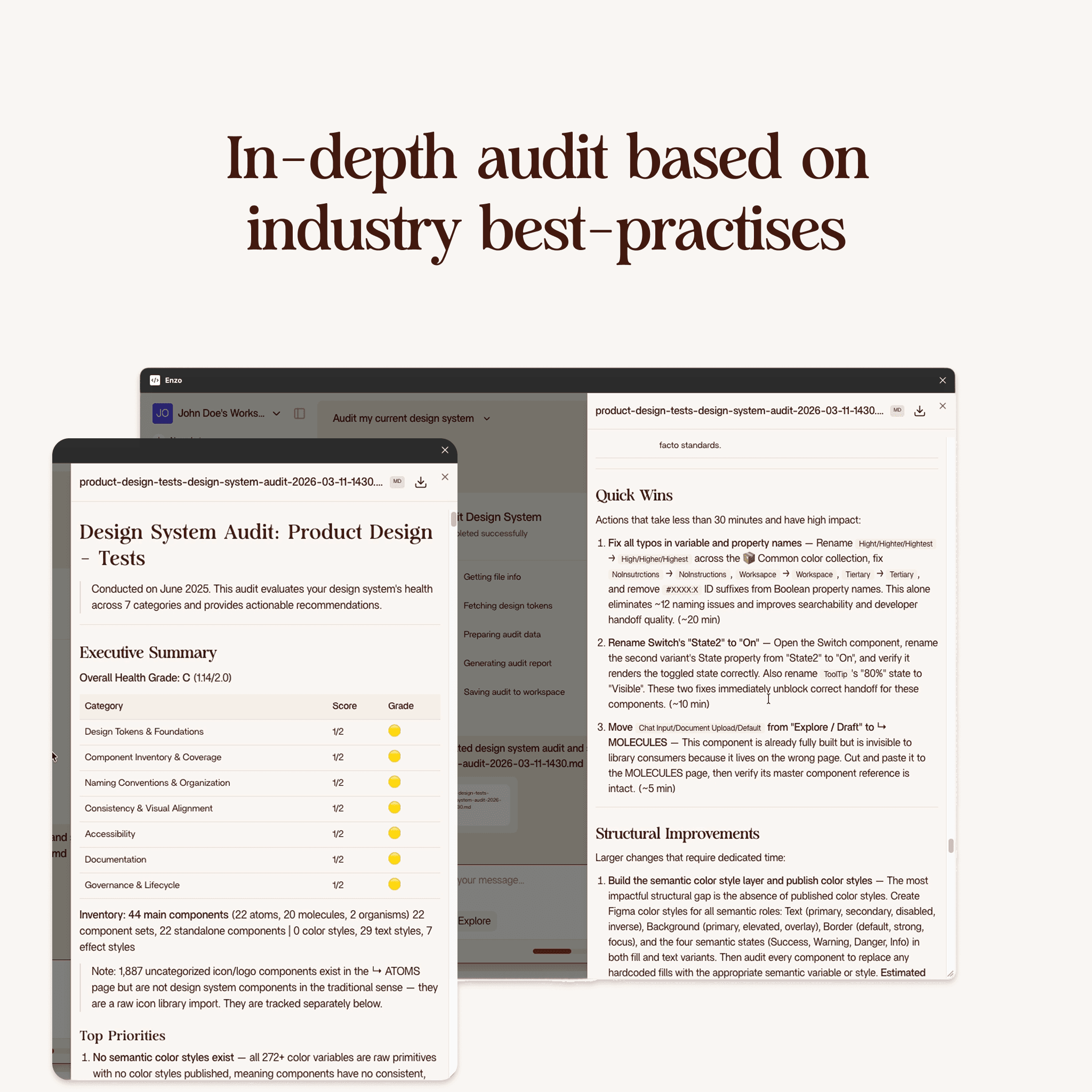
The audit checks every component name for typos, inconsistent casing, and unclear naming. In the demo, it caught names like "high highest", "high two", "high test" which were all typos. It also flags naming patterns that break conventions, like using "state2" instead of a descriptive state name.
Variable and token usage
Are you using your design tokens consistently? The audit checks whether components use semantic variables or raw values. If you have a color token for text-primary but half your text layers use a hardcoded hex value instead, the audit catches that.
Organization structure
The report looks at how your file is structured. Are components scattered across pages or organized in a dedicated design system section? Are icons mixed in with UI components? The audit gives you a clear picture of what lives where and what should move.
Priority and quick wins
Every issue gets a priority level. But more importantly, the audit includes a quick wins section at the end. These are things you can fix in five minutes that will make a real difference. Fixing typos in component names. Moving misplaced components to the right page. Removing duplicate variants.
In the demo, the quick wins were: fix all typos, remove unused switch components, and move components from scattered pages into the molecules page where they belong.
How long it takes
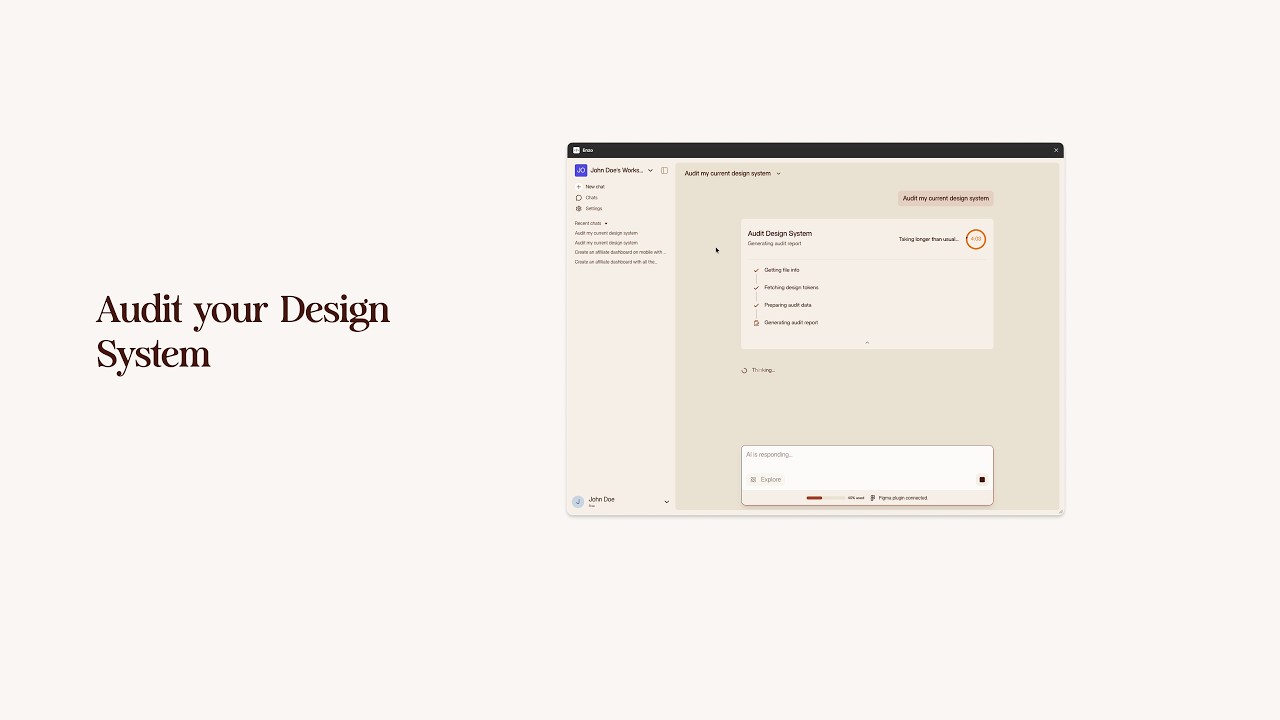
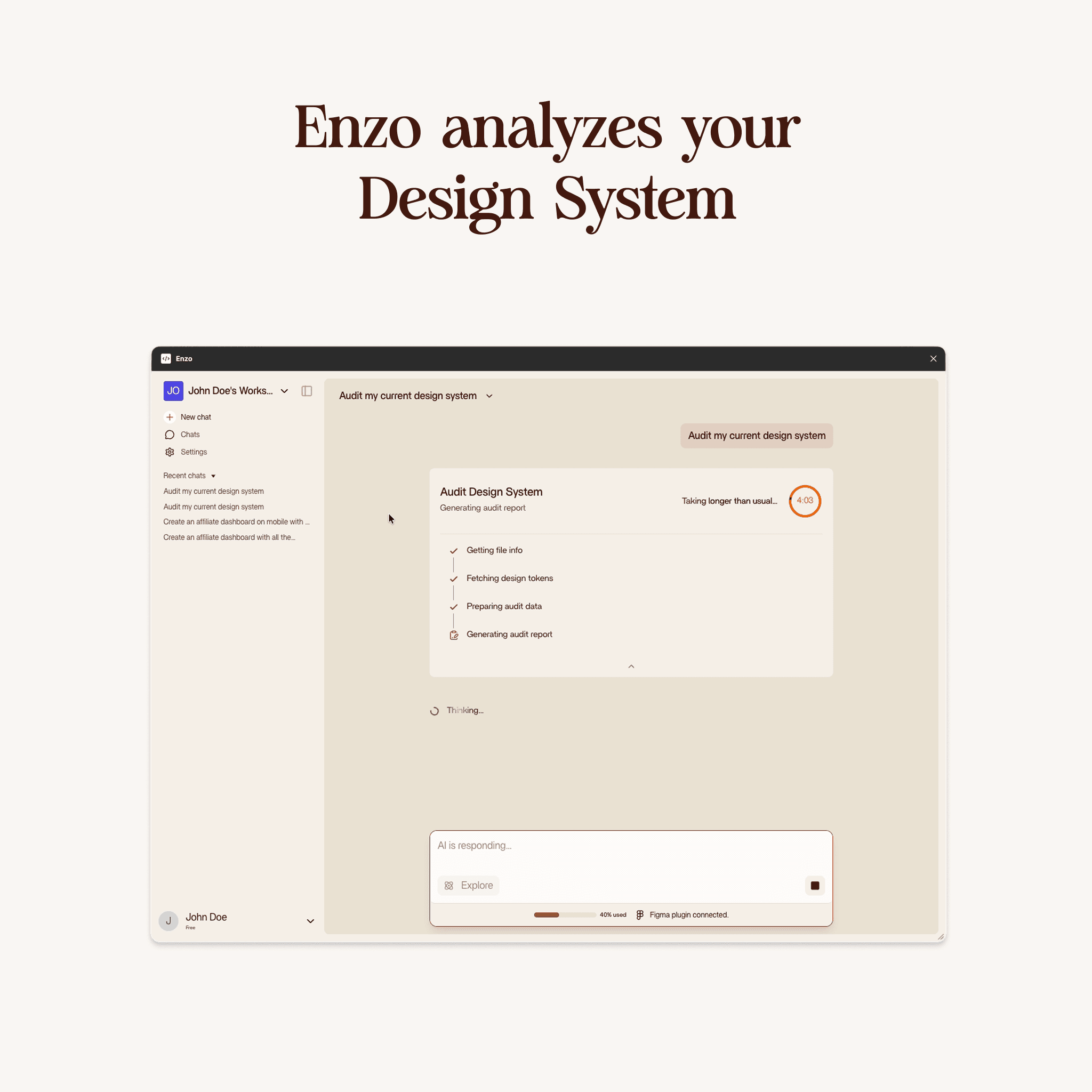
The audit takes about two to four minutes depending on the size of your file. The demo took about four minutes and ten seconds for a medium-sized project. Larger files with hundreds of components might take a bit longer.
The output
You get a markdown file inside Figma with everything organized by section. Inventory counts, categorization issues, naming problems, variable usage analysis, organization suggestions, and the quick wins list.
You can copy this document, paste it into Notion or your team wiki, or just work through it directly in Figma. It is a snapshot of your design system health at that moment.
How it differs from Index Design System
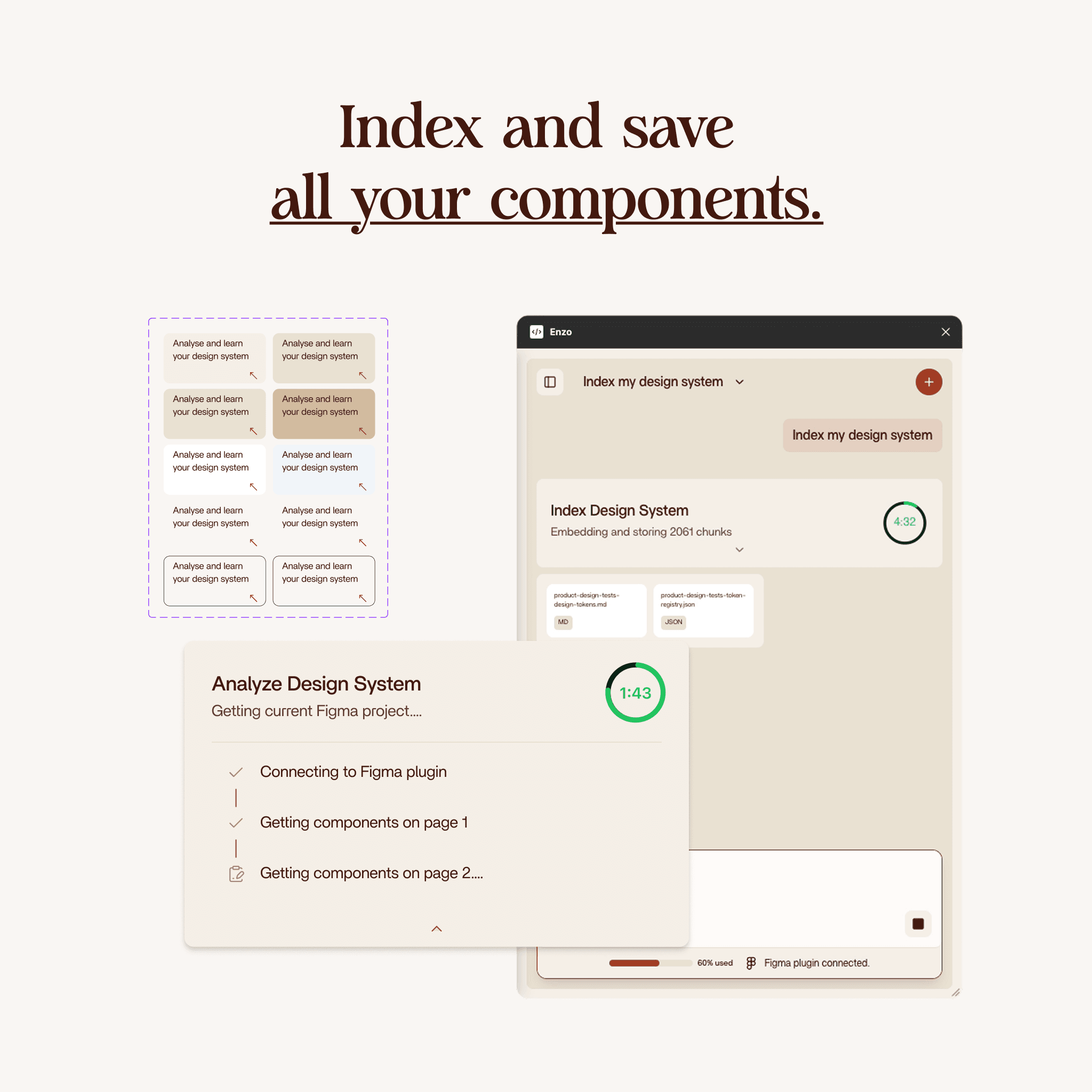
Index Design System saves your components, tokens, and usage patterns to Enzo's database so the AI can use them for future design generation. Audit Design System does not save anything. It reads your file, analyzes it, and gives you a report. Think of it as a health check versus a setup step.
You can run Index first to set up Enzo for AI design, then run Audit to see where your design system needs cleanup. Or run Audit standalone if you just want to know where things stand.
Who should use this
Design system maintainers who want a quick health check. Designers joining a new project who want to understand the current state of things. Team leads preparing for a design system cleanup sprint. Anyone who suspects their Figma file has accumulated technical debt but does not want to audit every component by hand.
Getting started
Open your Figma project in Enzo and ask it to audit your design system. Wait two to four minutes. Read the markdown report. Start with the quick wins.