

What Is Vibe Design?
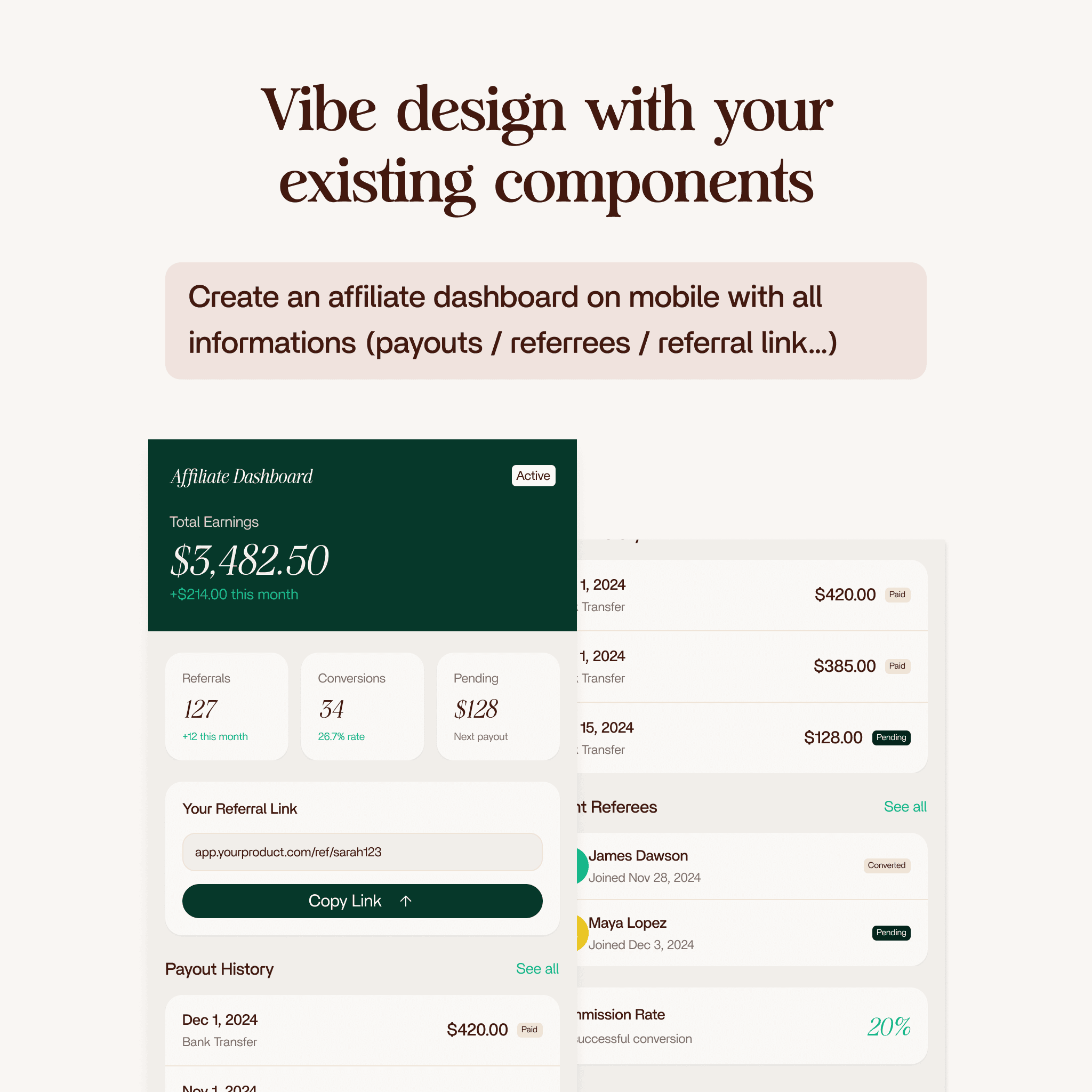
Vibe design is a new way to create interfaces. You describe what you want in plain language, and AI generates production-ready screens inside Figma using your actual design system. No wireframes, no mockups. You write a prompt and get a fully styled layout with real tokens, real text styles, and real color variables.
This is not an image generator. Vibe design creates editable Figma frames with real components. You can select, modify, and hand off every element.
Blank Canvas vs. Design System
AI on a blank canvas generates from raw values: hardcoded hex colors, arbitrary fonts, random radii. The result looks generic.
AI inside a project with a real design system (named color variables, text styles, spacing tokens, reusable components) generates screens that look like your product. It picks from your library, applies your tokens, uses your type scale. The more complete your Figma design system, the better the output.
How It Works
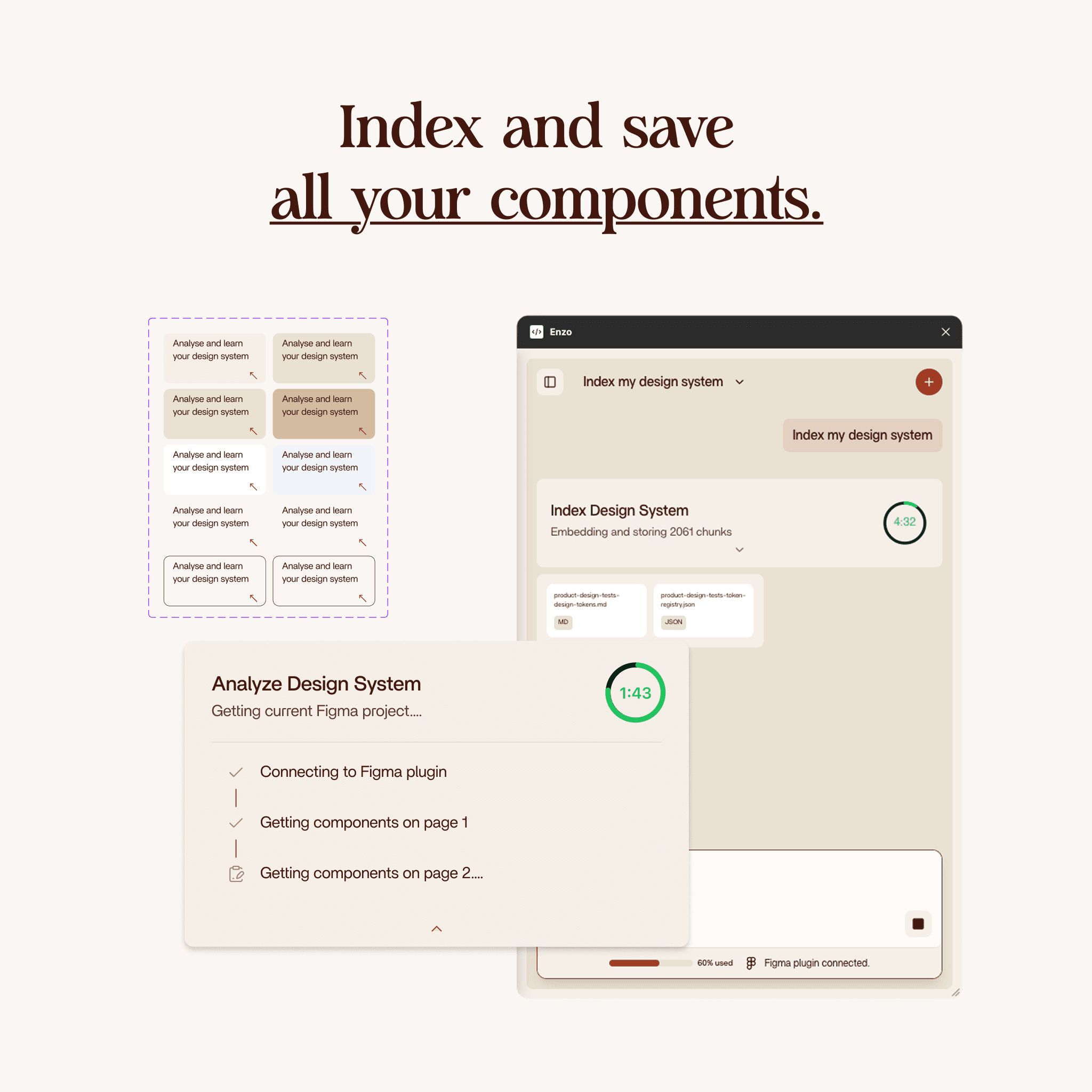
- Index your design system. Enzo scans your Figma file for components, variables, text styles, spacing, and effects. Takes about 2 minutes.
- Write a prompt. Describe the screen in plain language. Be specific about sections and functionality.
- AI plans and builds. Enzo maps your prompt to components from your design system, then assembles the layout on your canvas in real time.
- Refine and ship. Adjust the layout, tweak details, push to dev. The output uses real components, so handoff is immediate.
Five Products, One Plugin
- Index Design System (2 credits) - Scans your Figma file and maps components, variables, text styles, and effects into a structured index.
- Create Design (3 credits) - Generates new screens from a text prompt using your indexed components. Desktop and mobile.
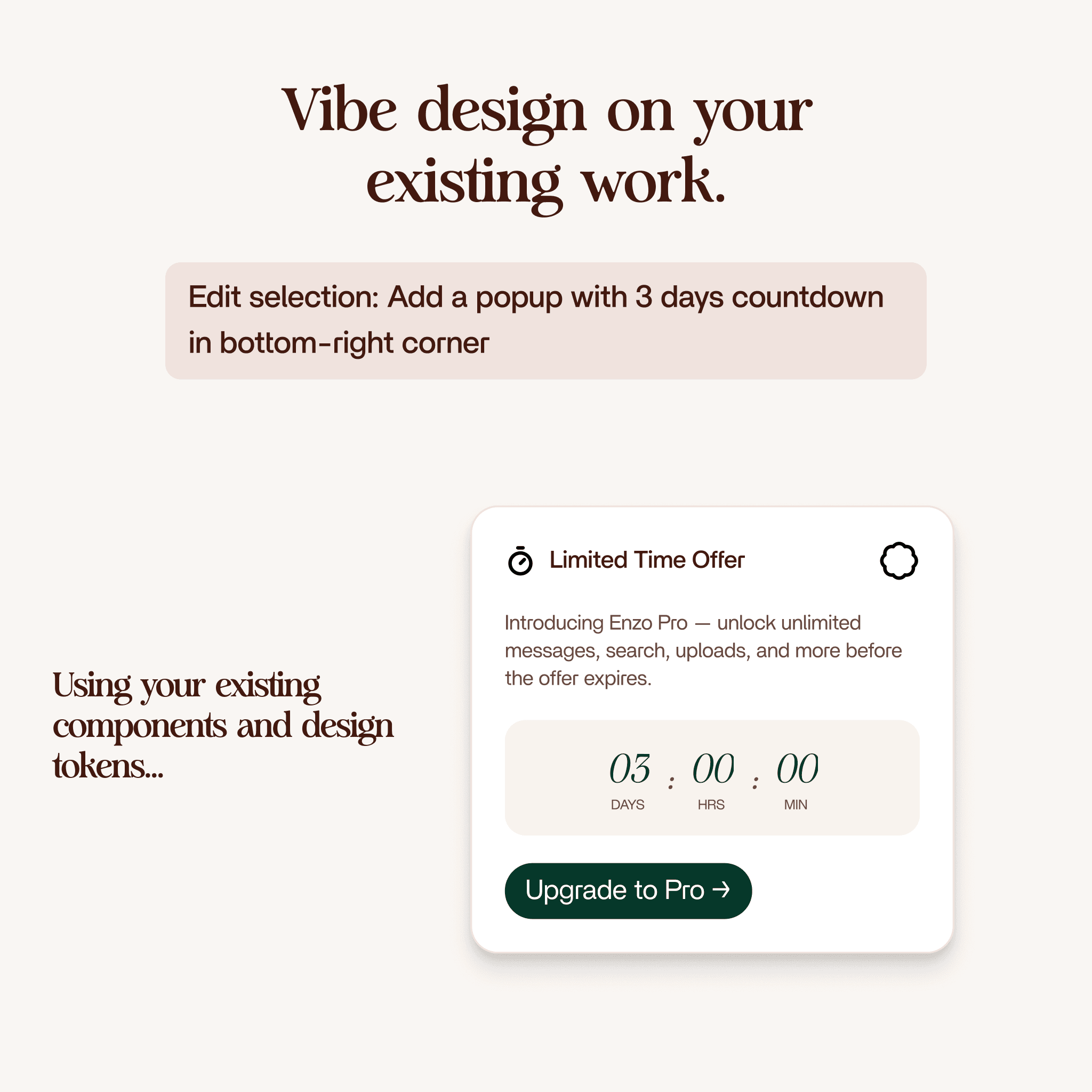
- Edit Design (3 credits) - Modifies existing frames on your canvas. Component mode or draft mode.
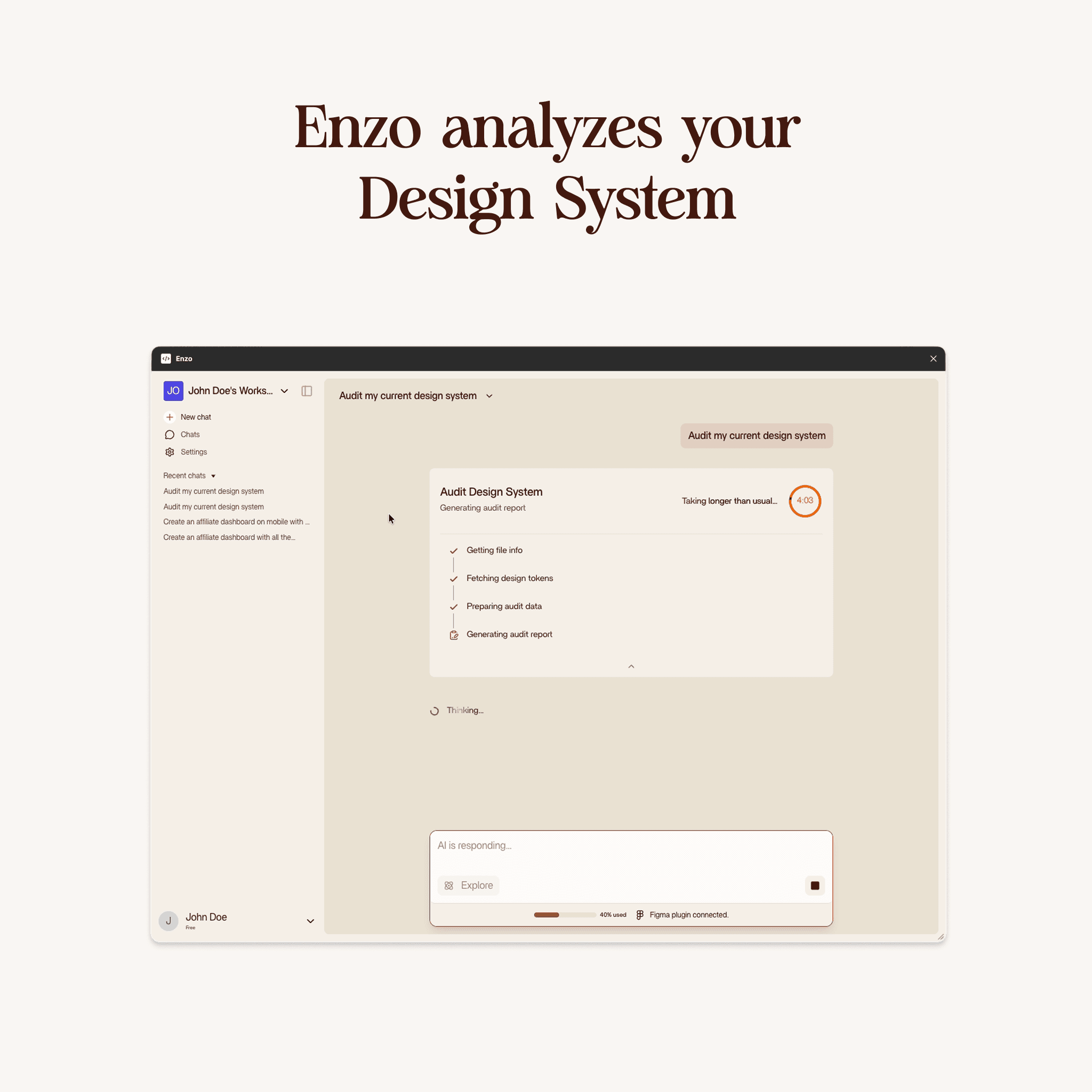
- Audit Design System (5 credits) - Analyzes your design system against best practices and produces a markdown report.
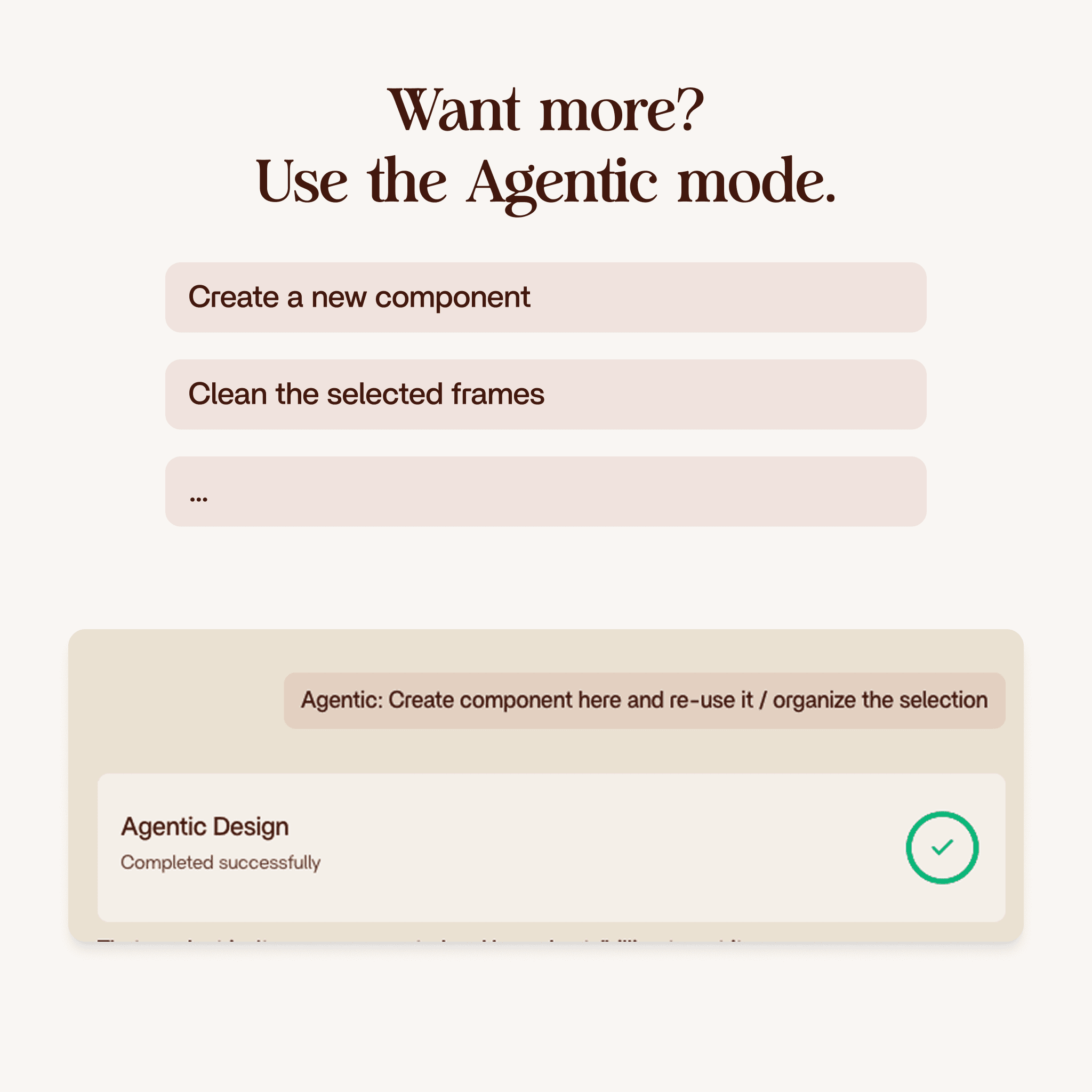
- Agent Mode (10 credits) - Handles complex multi-step tasks that combine creation and editing in a single run.
Where Designers Still Add Value
Vibe design gives you a strong starting point that you refine in minutes instead of building from zero. Creative decisions (visual hierarchy, information architecture, emotional tone) stay in your hands. Padding values sometimes need tweaking. Component variants may need swapping. That is intentional.
The goal is to remove the 80% that is assembly so you can focus on the 20% that is actual design.
Getting Started
Open a Figma project with a design system. Install the Enzo plugin. Create a workspace, index your file, and write your first prompt. You do not need a perfect design system. Even a basic one with a handful of components beats a blank canvas.